Browse the blog
Flows
-
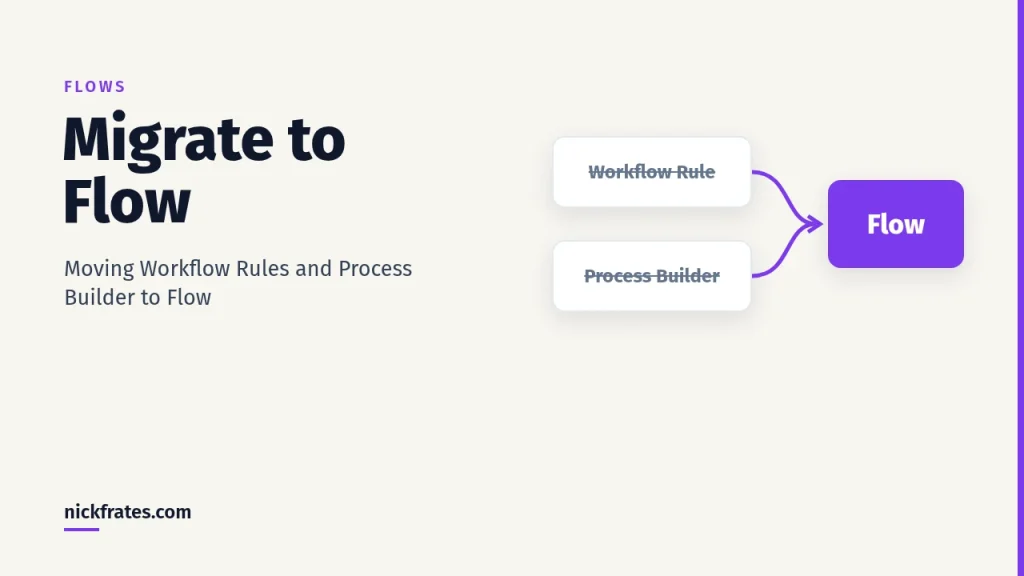
Migrate to Flow: Moving Workflow Rules and Process Builder to Flow
Migrate to Flow explained: move workflow rules and Process Builder to Salesforce Flow with the Migrate to Flow tool, test, and switch activations safely.
-
Salesforce Flow Orchestration: Stages, Steps and Work Items
Salesforce Flow Orchestration explained: how stages, interactive and background steps, and work items string flows into one multi-person process.
-
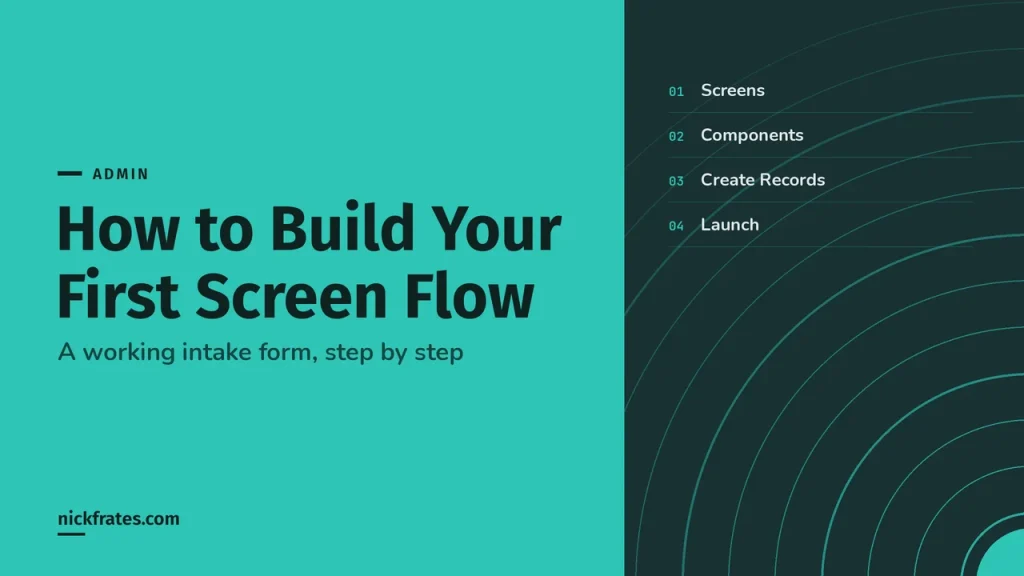
Salesforce Screen Flow: How to Build Your First One
Hey friends, A screen flow is a guided form you build with clicks: screens to collect input, logic to decide what happens, and elements…
-
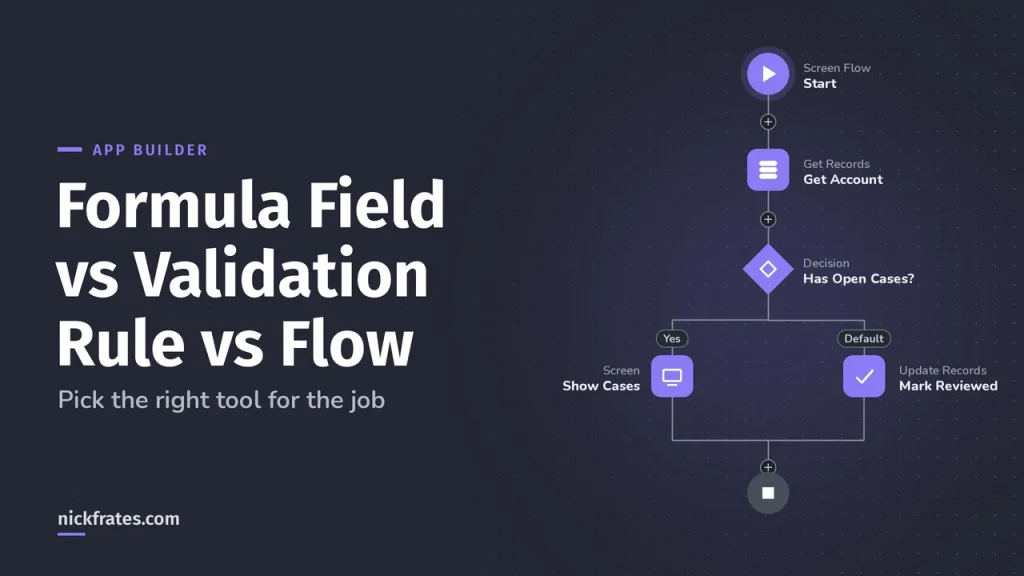
Formula Field vs Validation Rule vs Flow
Hey friends, Formula fields, validation rules and flows all use the same formula language, which is why people mix them up. They do three…
-

Salesforce Flow Limits and How to Work Around Them
Hey friends, Flows run under the same per-transaction governor limits as Apex: 100 SOQL queries, 150 DML statements, 10,000 records processed by DML and…
-
Salesforce Flow Builder: A Tour of the Canvas, Elements and Resources
A tour of Salesforce Flow Builder with live screenshots: the Toolbox, canvas and button bar, the Add to Flow menu, elements, resources, and Save,…
-

What Is Salesforce Flow? A Plain-English Guide to Flow Builder
A Salesforce flow is an automation you build with clicks, not code. Learn what flows, Flow Builder and Salesforce Flow mean, the main flow…
-

Is There a Salesforce Flow Certification? Which Exams Prove Your Flow Skills
Is there a Salesforce Flow certification? No exam is named for Flow, but four cover it. What each official guide says, plus Flow superbadges.
-
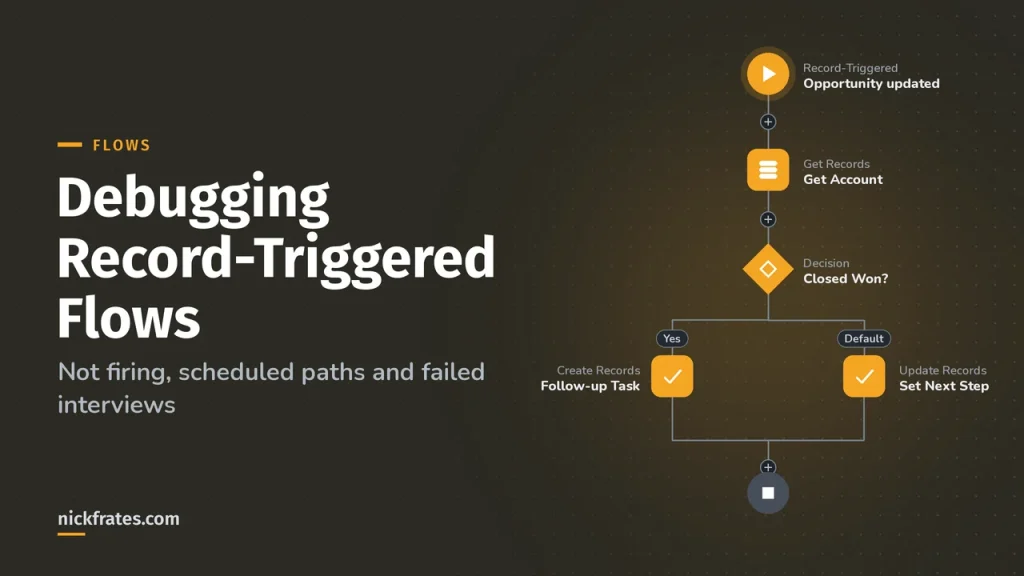
Debugging Record-Triggered Flows: Not Firing, Scheduled Paths and Failed Interviews
Why a record-triggered flow doesn’t fire, why a scheduled path never ran or got canceled, how retries work, and how to debug with Test…
-
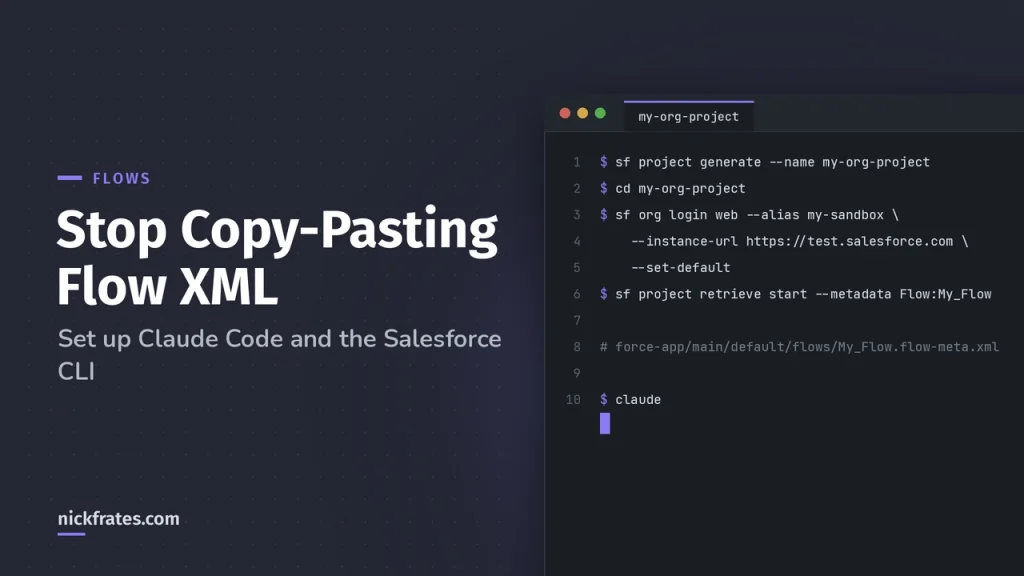
Stop Copy-Pasting Flow XML: Set Up Claude Code and the Salesforce CLI
Skip copy-pasting flow XML. Set up the Salesforce CLI and Claude Code once, then ask AI about your flows right inside your project. Step-by-step…