Hey friends,
A Salesforce org has a large data volume (LDV) problem when you have millions of records or thousands of users and queries, loads, reports or sharing start to slow down or fail. The fixes fall into five groups: avoid data skew, write selective queries on indexed fields, use skinny tables, move old data out with archiving, and leave data outside Salesforce when you can.
LDV is 20% of the Salesforce Certified Platform Data Architect exam, and it's what the rest of the exam leans on. Every section below links to the Salesforce page I used.
What is data skew?
Data skew is when too many records are tied to one parent, owner or lookup target. Salesforce's Trailhead LDV module names three kinds:
| Type | What it is | Why it hurts |
|---|---|---|
| Account (parent-child) skew | Too many child records under one parent, 10,000 or more is where the docs start worrying | Updating children in parallel locks the same parent, and sharing changes mean Salesforce checks every child |
| Ownership skew | One user owns more than 10,000 records of an object | Moving that user in the hierarchy, or in or out of a group used by a sharing rule, forces a huge sharing recalculation |
| Lookup skew | A very large number of records point to one record in a lookup object | Each insert or update locks the lookup target, so concurrent automated loads get lock errors |
The docs give two classic examples. For account skew, it's parking 300,000 contacts under a dummy account named Unassigned: when a user loses access to one contact, Salesforce must scan the other 299,999 to see whether the user still needs access to the account, per the parent-child skew page. For ownership skew, it's assigning all unassigned leads to a dummy user, from the ownership skew page.
How do I fix or avoid data skew?
- Spread the records. Distribute child records across more parents, and distribute ownership across more users.
- If a few owners are unavoidable, keep those users out of a role, or put them in a separate role at the top of the hierarchy and don't move them. Keep them out of public groups that are used as the source for sharing rules.
- Don't park unassigned records under one placeholder account or one dummy owner.
- Look for lookup skew in the right place: objects with many records and heavy concurrent inserts and updates. Salesforce notes there's no tool built to find it, and that it may not cause a problem under some usage patterns.
- Group child updates by parent in the same batch during loads, and defer sharing calculations for big loads.
To hunt for the first two kinds, aggregate queries do the job:
I go deeper on how skew and the security model interact in my Salesforce security model post and on object relationships in lookup vs master-detail.
What makes a SOQL query selective?
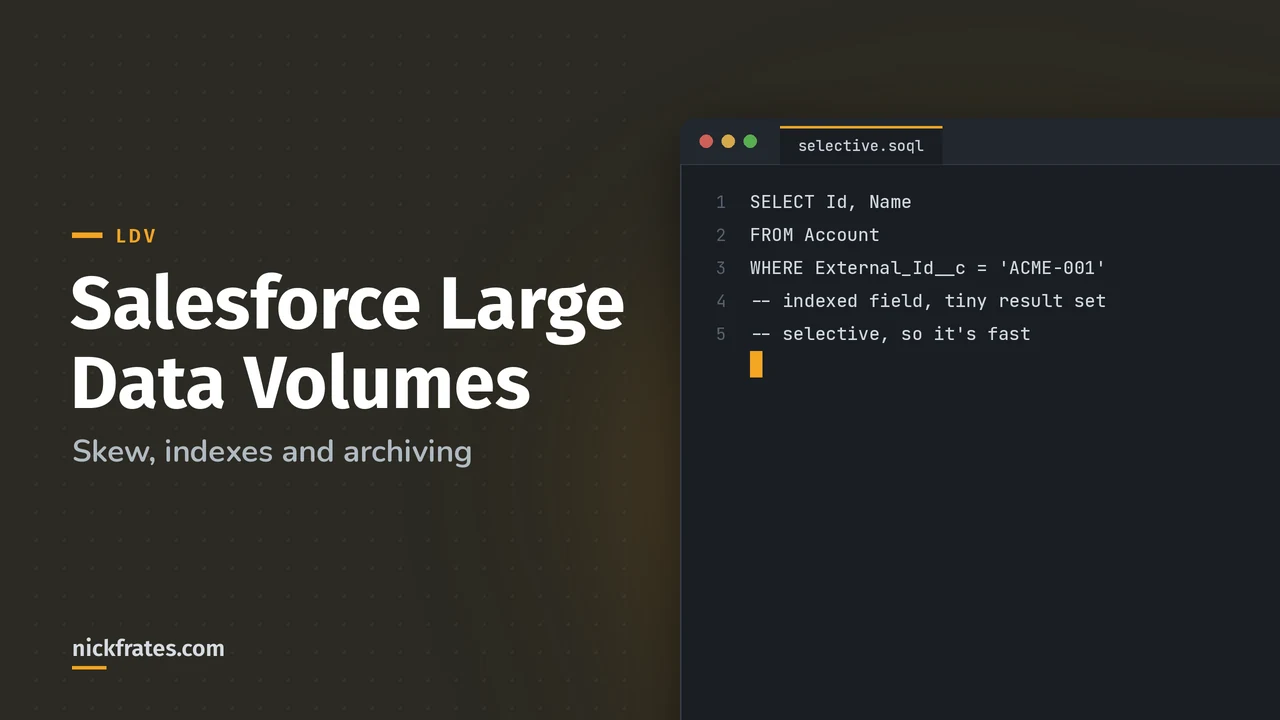
A query is selective when at least one filter is on an indexed field and that filter returns fewer rows than a system threshold. Per the Salesforce Help article on custom indexes, the threshold is 10% of records for the first million and less than 5% after that, up to a maximum of 333,000 records, and it can be higher for indexed standard fields. Salesforce may stop non-selective queries on objects with more than 200,000 records, especially in triggers.
Fields indexed by default are primary keys (Id, Name and Owner), foreign keys (lookup and master-detail fields), audit dates such as SystemModstamp, and custom fields marked External ID or Unique. Filters that usually stop an index from being used:
- Negative operators: NOT EQUAL TO, NOT CONTAINS, NOT STARTS WITH.
- Comparing with an empty value.
- A filter that matches more than the threshold, even on an indexed field.
- CONTAINS when more than 333,000 rows have to be scanned.
If you need an index on a field that isn't indexed by default, you ask Salesforce Support for a custom index, and include the query. Custom indexes can't be made on multi-select picklists, long text areas, binary fields and a few other types. Two-column indexes help when two fields are commonly filtered or sorted together, as the Indexes page explains. Use the Query Plan tool in the Developer Console to see what the optimizer will do.
What are skinny tables?
A skinny table is a copy of the most-used standard and custom fields of an object in one table, so a query avoids the join that normally combines the two. Salesforce Support creates and maintains it, you can't touch it, and it's kept in sync with the source table. Per the Skinny Tables page:
- They help read-only operations, such as reports, list views and SOQL, on tables with millions of records.
- They can be created on custom objects and on Account, Contact, Opportunity, Lead and Case.
- They hold at most 200 columns and can't contain fields from other objects.
- If the query you're tuning adds fields, Salesforce has to update the skinny table.
- They're copied to Full sandboxes only.
Cert Lab by Nick Frates
LDV practice questions
Scenario questions on skew, indexes, skinny tables and archiving for all six Platform Data Architect sections, with every option explained.
Start the Platform Data Architect Cert Lab for $9.99 →Not ready to buy? Try a free lesson and see how fast you learn.
How do I archive data in Salesforce?
An archiving plan answers four questions: how long data must stay in Salesforce, who still needs to see it, how big it is, and what the audit rules require. The common destinations are:
| Option | Good for | Know this |
|---|---|---|
| Big objects | Hundreds of millions or billions of records you rarely change | They support object and field permissions, not sharing rules, and no triggers or flows. See the Big Objects overview |
| External storage plus virtualization | Archives that already live in a warehouse or data lake | Read-heavy access through external objects |
| Delete | Data past its retention period | Make sure retention and audit rules allow it |
Big objects are a different kind of store: a horizontally scalable, non-transactional database, compared with the relational, transactional database behind standard and custom objects. They're accessed with SOQL, the Bulk API, the Chatter API and SOAP API only, not REST. You can create up to 100 per org. When you write to one, the best practices page says to retry the whole batch until it succeeds, instead of working out which records failed, and to use asynchronous Apex such as Queueable when writing from a trigger or flow. Big objects also don't support encryption, so archived encrypted data ends up as clear text.
When should I leave data outside Salesforce?
Use data virtualization. Salesforce can query an external system at runtime through external objects, without copying the data into Salesforce storage. The Salesforce Architects article on Data Virtualization says it fits when read-heavy access is the main need, when data freshness is critical, and when governance and residency rules are strict. It also tells you to consider the trade-offs if your use case needs high volumes, frequent access or low latency, because each query is a callout to the source.
The Trailhead module adds that external objects always reflect the current state of the external data, so you don't pay to store or sync a copy. It says external objects fit best when you have a large amount of data you can't or don't want to store in your org, and you only need a small amount of it at any one time. The module also covers external lookups and indirect lookups for relating external records.
How do I load large volumes without making it worse?
The short version is Bulk API 2.0 for anything over 2,000 records, clean data first, sort children by parent, pause automation, and defer sharing calculations. I cover each step in Salesforce data migration. The Salesforce page is Loading data best practices.
How does LDV show up on the exam?
The exam guide has three LDV objectives: design a data model that scales, recommend an archiving and purging plan, and decide when to use virtualized data. Expect scenarios like "a nightly integration fails with row lock errors" (look for account or lookup skew) or "a report on 20 million records times out" (selective filters, indexes, skinny table). My practice questions have four LDV items.
What LDV mistakes do people make?
- Parking records under a dummy account or dummy owner.
- Filtering with NOT EQUAL TO and wondering why the index isn't used.
- Asking for a skinny table to speed up writes. It helps reads.
- Archiving to a big object and expecting sharing rules to apply.
- Increasing the batch size to fix lock errors, which makes more updates wait on the same lock.
A bit about how I study. Focus on Force was my favorite resource on the way to 17 Salesforce certs. I started the traditional way, reading the study guide first and testing second, but rapid-fire practice tests are what actually made things stick. That's the loop Cert Lab is built on: quick questions, then explanations with current links, then go again.
FAQ
What is data skew in Salesforce?
Too many records tied to one parent, owner or lookup record. It causes lock errors and slow sharing recalculation.
When is a SOQL query selective?
When a filter on an indexed field returns fewer rows than the threshold: 10% of the first million records and less than 5% after that, up to 333,000.
What is a skinny table?
A table kept by Salesforce that holds the most-used standard and custom fields of an object together, so reads avoid a join. Support creates it.
What is the difference between big objects and external objects?
Big objects store huge volumes inside Salesforce in a non-transactional database. External objects point to data that stays outside Salesforce.
How many records make an LDV problem?
There's no single number. Millions of records, or high concurrency on a few parents, owners or lookup targets, is where problems begin.
Where should you go next?
- Salesforce data migration for loading and exporting.
- Standard object data model for the relationships that skew affects.
- Master data management in Salesforce for the other 5% and the governance 10%.
- Platform Data Architect study plan for the full exam.
Nick Frates, a senior Salesforce developer with 17 certifications, built the Platform Data Architect Cert Lab at nickfrates.com: rapid-fire practice questions for every exam section, each answer explained.
Cert Lab by Nick Frates
Let the Platform Data Architect Cert Lab test you to success
Lessons, flashcards, a quiz for each of the six exam sections and full practice exams, every answer explained.
Start the Platform Data Architect Cert Lab for $9.99 →Not ready to buy? Try a free lesson and see how fast you learn.
Hope this helps!
Best,
Nick