Hey friends,
The Metadata API is the Salesforce API for moving an org's configuration, called metadata, between orgs: you retrieve components as XML files and deploy them to create, update or delete components in another org, using a package.xml manifest to say what's included. It works on metadata only. For records like accounts and leads, you use REST, SOAP or Bulk API.
Deploying is 14% of the Salesforce Certified Platform Development Lifecycle and Deployment Architect exam, and the exam guide asks you to describe the capabilities, limitations and considerations of the Metadata and Tooling APIs, and how to handle pre and post deployment steps. Below is what that looks like in practice, with every limit linked to Salesforce's own page.
What is the Metadata API used for?
Salesforce's Understanding Metadata API page separates business data from metadata. Business data is the records. Metadata describes how your org is structured and behaves: custom object definitions, fields, page layouts, automation and access. A metadata type defines a structure, like CustomTab, and a metadata component is one instance of it.
The main purpose is moving metadata between orgs during development. You can move it two ways, per that page:
- deploy() and retrieve() calls move the full metadata model. They fit the final stages of development, like sending tested customizations to production.
- Source push and pull commands move only the changes, using source tracking. They fit the in-between stages, like a developer working in a scratch org.
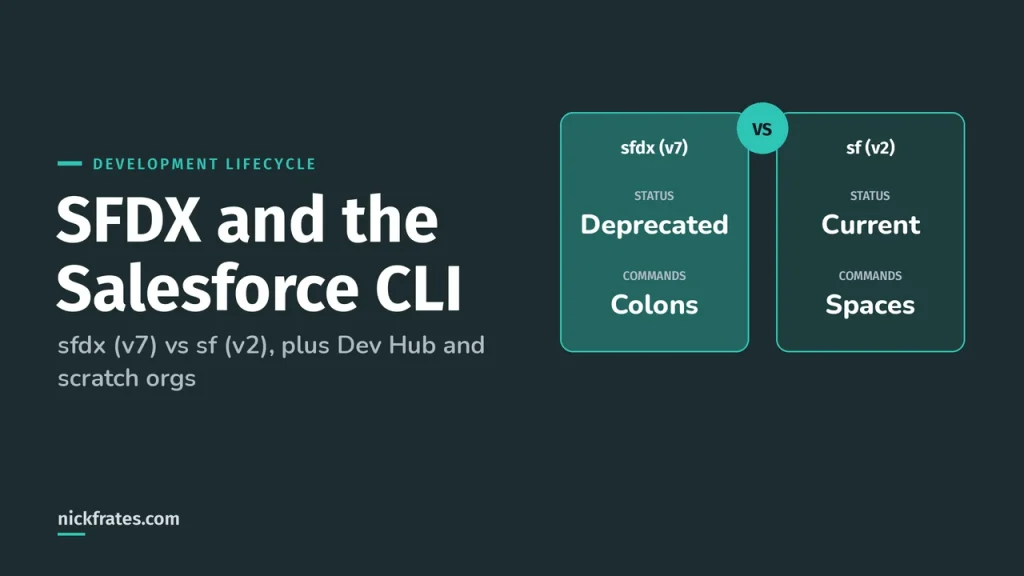
If you use the Salesforce CLI, the deploy and retrieve commands expose the same options by name, such as test level and destructive changes files. The SFDX and Salesforce CLI post covers the CLI side.
What does package.xml do?
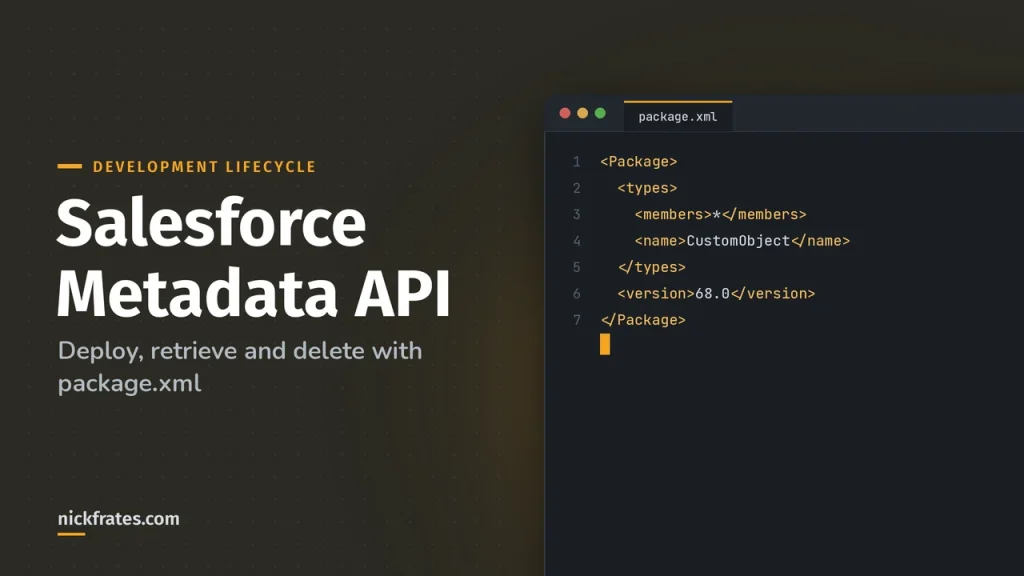
It's the manifest, the list of components to retrieve or deploy. Per the zip file page, every .zip file has a package.xml and folders of components. The manifest also sets the API version used for the deploy or retrieve. And here's the part people miss: Metadata API goes by the components listed in the manifest, not by the folders in the zip.
Each types block has a name (the metadata type) and one or more members (the components). You can list members one by one or use * for types that support wildcards.
This one is straight from Salesforce's sample manifests. The first block gets all custom objects, and the second gets the standard Account object. You can't use a wildcard to get all standard objects, so each one is named. Retrieving a standard object brings its custom fields and its customizable standard fields, and system fields like CreatedById aren't supported.
Two more things from those samples. A wildcard retrieve skips components that live in managed packages, so name the package or the component. And you don't have to hand-write a manifest: sf project generate manifest builds one from a list of components, a local folder, or an org.
How do I retrieve and deploy metadata?
Both calls are asynchronous. For retrieve(), you start the call, get an ID, then call checkRetrieveStatus() until done is true. For deploy() it's the same pattern with checkDeployStatus(). The call needs the Modify Metadata Through Metadata API Functions permission or Modify All Data.
In the CLI, one command does the polling for you:
The limits are the part exam questions lean on. Salesforce's pages say these can change without notice, so check the current pages before you quote them.
| Limit | Value |
|---|---|
| Compressed .zip size | Approximately 39 MB |
| Uncompressed folder size | Approximately 600 MB |
| Files in one deploy or retrieve | 10,000 |
| Files in an unlocked or second-generation managed package | 10,000 |
| Files in a first-generation managed package that passed AppExchange Security Review | 35,000 |
Why 39 MB? Salesforce base-64 encodes the compressed zip, which adds roughly 22%, and the encoded result can't pass 50 MB, the SOAP message limit.
A few behaviors from the deploy() page worth knowing for scenarios:
- A deployment locks write access to the resources it's deploying. Salesforce recommends off-peak hours and limiting changes to the org while it runs.
- You can queue several deployments, but only one runs at a time, and queued ones don't necessarily run in the order you submitted them. To control order, submit one after the previous one succeeds.
- You can check status in Setup under Deployment Status, for deployments in progress or completed in the last 30 days, and cancel one that's in progress or queued.
- A big object can only be retrieved if its index is defined. If you created one in Setup and haven't defined the index yet, you can't retrieve it.
Cert Lab by Nick Frates
Let the Platform Development Lifecycle and Deployment Architect Cert Lab test you to success
Lessons, flashcards, a quiz for each of the eight exam sections and full practice exams, every answer explained.
Start the Platform Development Lifecycle and Deployment Architect Cert Lab for $9.99 →Not ready to buy? Try a free lesson and see how fast you learn.
What tests run during a deployment?
It depends on the target org and the test level. The Running Tests in a Deployment page says that when you deploy to production without choosing a test level, all local tests run if your package contains Apex classes or triggers. If it has no Apex, no tests run by default.
You override that with testLevel on DeployOptions:
| Test level | What runs | Notes |
|---|---|---|
| NoTestRun | No tests | Only for development environments like a sandbox, Developer Edition or trial org. It's their default |
| RunSpecifiedTests | Only the tests you name | Each class and trigger in the package needs at least 75% coverage on its own |
| RunLocalTests | All tests in your org, except tests from installed managed and unlocked packages | The default for production deployments that include Apex |
| RunAllTestsInOrg | All tests, including managed package tests | The slowest option |
| RunRelevantTests (beta) | Tests Salesforce picks from analyzing the payload | Same per-class 75% rule as specified tests |
Salesforce says Apex tests that run during a deployment always run synchronously and serially. Its advice is to run all local tests in a sandbox before you deploy, which cuts the number of tests you need in production.
Three more options matter on a production deploy. rollbackOnError must be true for production, so any failure rolls everything back. allowMissingFiles and autoUpdatePackage shouldn't be set for production. And checkOnly runs a validation: it tests the deployment and doesn't save anything.
What is a validation and a quick deploy?
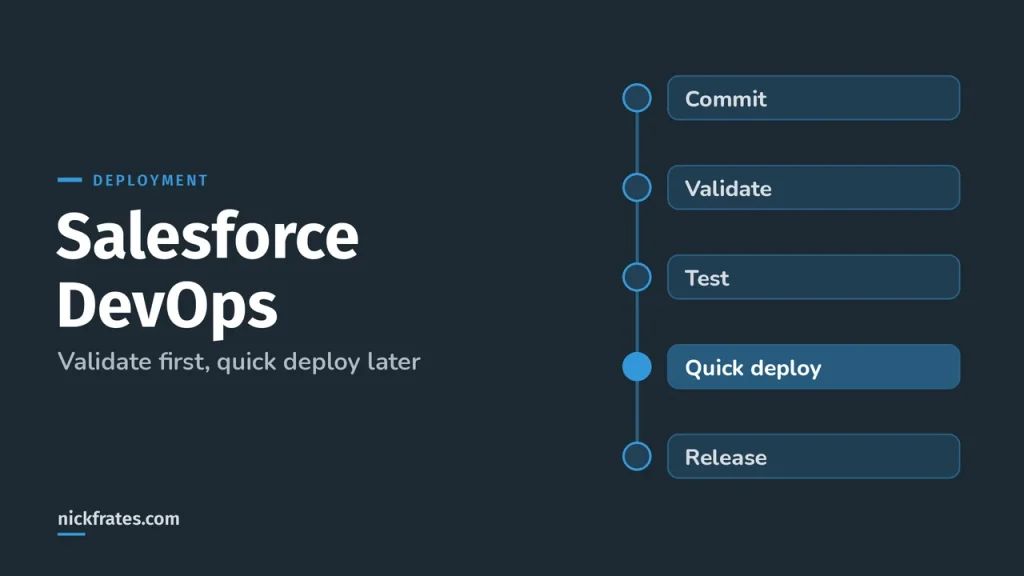
A validation is a deploy with checkOnly set to true. If it passes, you can run a quick deploy with deployRecentValidation(), which deploys the same components without running tests again. That's useful when a production deployment takes hours and you don't want to find out about a failure at the end.
Salesforce lists three requirements for a quick deploy:
- The components were validated successfully for the same target within the last 10 days.
- The Apex tests in the target org passed during that validation.
- Code coverage is met: at least 75% overall when all tests or all local tests ran, with some coverage on triggers, or 75% on each class and trigger when specific tests ran.
The CLI equivalents are sf project deploy validate and sf project deploy quick. Salesforce's deploy command pages say to use them on production orgs and not sandboxes, because sandboxes skip tests by default. To validate with tests in a sandbox, use sf project deploy start --dry-run --test-level RunLocalTests.
How do destructive changes work?
You can't delete a component with package.xml. You add a second manifest to the same deployment. Per Deleting Components from an Organization, you pick one of three file names:
| File | When deletions happen |
|---|---|
| destructiveChanges.xml | Before additions by default, for a delete-only deployment or a mixed one |
| destructiveChangesPre.xml | Before other components are added or updated (API 33.0 and later) |
| destructiveChangesPost.xml | After other components are added or updated (API 33.0 and later) |
The format is the same as package.xml, except wildcards aren't supported. A delete-only deployment also needs a package.xml that lists no components and includes the API version, in the same folder.
The pre and post choice is the one the exam likes. Say an Apex class references a custom object. You can't delete the object until the class stops using it. So one deployment updates the class in package.xml and deletes the object in the post file:
The rules that go with it:
- Post destructive changes are processed before tests run.
- When you delete Apex classes or triggers, Salesforce recommends running all local tests to catch leftover references.
- If some components you list don't exist in the org, the rest of the deletions are still attempted.
- Deleted components go to the Recycle Bin.
purgeOnDeleteskips it, but it only works in Developer Edition and sandbox orgs, not production. Roll-up summary fields are always purged. - You can't use destructiveChanges.xml to delete anything tied to an active Lightning page until you deactivate the page's action override in the Lightning App Builder.
In the CLI you point at the files with flags, so you don't build the zip yourself.
The CLI page also notes that deleting a component that isn't in the org produces a warning, which sets the deployment's success status to false unless you pass --ignore-warnings. That's handy in CI and risky anywhere else, so read the warning first.
What can't the Metadata API do?
A lot of exam wrong answers are things Metadata API doesn't do. Here are the ones Salesforce documents:
- It doesn't move business data. Salesforce says to use REST or SOAP API for records, so reference data that lives as records needs a data tool, like the ones in my data migration post.
- Not every metadata type is supported in every channel. Salesforce calls the Metadata Coverage report the source of truth across Metadata API, scratch org source tracking, unlocked packages, second-generation and classic managed packages and more.
- Changing a field between Master-Detail and Lookup can't be validated with checkOnly, so the test deployment fails. Validate it with a full deployment to a test sandbox instead.
- A deployment that adds a Master-Detail field or converts a Lookup to one can permanently delete detail records from the Recycle Bin.
- Only customizable standard fields and all custom fields are supported. System fields and autonumber fields aren't.
The Metadata Coverage report is worth bookmarking. When a scenario says some component can't be deployed, the answer is usually a manual step in the release plan, done before or after the deploy.
Metadata API or Tooling API?
The exam names both. Salesforce's When to Use Tooling API page says to use Tooling API for fine-grained access to metadata, because its SOQL support lets you retrieve smaller pieces, which suits interactive tools. It can also change one element inside a complex type, and it's suggested for source control integration, CI and deploying Apex classes or triggers.
| Metadata API | Tooling API | |
|---|---|---|
| Best fit | Moving the metadata model between orgs, such as a release to production | Fine-grained work on one piece, like compiling an Apex class or reading code coverage |
| How you ask | deploy() and retrieve() with a package.xml manifest | SOQL on many metadata types, plus objects like ApexClassMember and ContainerAsyncRequest |
| Typical user | A release pipeline or a deployment tool | An IDE, an interactive app or a source control integration |
If you learn best by testing yourself, the Platform Development Lifecycle and Deployment Architect Cert Lab has quick practice questions on deployment strategy, test levels and destructive changes, with every option explained.
How would I answer a deployment scenario?
A team must remove an unused custom object and update the Apex class that references it, in one production release. Put the updated class in package.xml and the object in destructiveChangesPost.xml, so the class changes first. Validate first with the local tests, then quick deploy within 10 days.
A deployment to production is failing coverage checks only when the team runs specified tests. With RunSpecifiedTests, each class and trigger in the package needs 75% on its own, not just the org overall. Add tests for the weak classes or switch to local tests.
What mistakes do people make with the Metadata API?
- Editing the zip folders and expecting it to change what deploys. The manifest decides.
- Using a wildcard for standard objects, or expecting it to include managed package components.
- Setting a no-test level for production. NoTestRun is only for development environments.
- Using purgeOnDelete in production and assuming it worked.
- Deleting an object and the class that references it in the wrong order. Use the post file when the class changes in the same deployment.
- Forgetting the 10-day window on a validation, so the quick deploy isn't available.
I'll be honest about how I learned this stuff. I loved Focus on Force and used it through 17 Salesforce certifications. Reading the study guide first was slow for me; taking practice tests rapid-fire and studying every wrong answer was fast. So when I built Cert Lab, I built it around that: test yourself quickly, see why each option is right or wrong.
FAQ
What is the Salesforce Metadata API?
An API for retrieving, deploying, creating, updating and deleting org configuration, like custom objects and page layouts. It moves metadata, not records.
What is package.xml in Salesforce?
The manifest file that lists the metadata components to retrieve or deploy, and the API version. Metadata API uses the components it lists, not the folders in the zip.
What is the Metadata API file limit?
Up to 10,000 files and about 39 MB compressed in one deploy or retrieve, with about 600 MB uncompressed. Salesforce says these limits can change without notice.
How do I delete metadata with the Metadata API?
Deploy a destructive changes manifest: destructiveChanges.xml, destructiveChangesPre.xml or destructiveChangesPost.xml, plus a package.xml with the API version. Wildcards aren't supported.
What is a quick deploy in Salesforce?
A deployment of a recent successful validation that skips running Apex tests again. The validation must be from the last 10 days, with passing tests and coverage met.
What is the difference between Metadata API and Tooling API?
Metadata API moves metadata between orgs in bulk, using deploy and retrieve. Tooling API gives fine-grained access to smaller pieces of metadata, which suits IDEs, CI and Apex deployment.
Does the Salesforce CLI use the Metadata API?
The CLI's deploy and retrieve commands expose the same concepts: manifests, test levels, destructive changes files and validate then quick deploy. Check the CLI reference for each command's exact flags.
Where should you go next?
- SFDX and the Salesforce CLI for scratch orgs, Dev Hub and unlocked packages.
- Salesforce DevOps for strategy, tools and CI/CD.
- Salesforce change sets for the point-and-click way to deploy, and fixing missing dependencies.
- Apex test classes and code coverage for the 75% rule from the Apex side.
- Development Lifecycle and Deployment Architect study plan for the full exam.
Nick Frates, a senior Salesforce developer with 17 certifications, built the Platform Development Lifecycle and Deployment Architect Cert Lab at nickfrates.com: rapid-fire practice questions for every exam section, each answer explained.
Cert Lab by Nick Frates
Let the Platform Development Lifecycle and Deployment Architect Cert Lab test you to success
Lessons, flashcards, a quiz for each of the eight exam sections and full practice exams, every answer explained.
Start the Platform Development Lifecycle and Deployment Architect Cert Lab for $9.99 →Not ready to buy? Try a free lesson and see how fast you learn.
Hope this helps!
Best,
Nick