Hey friends,
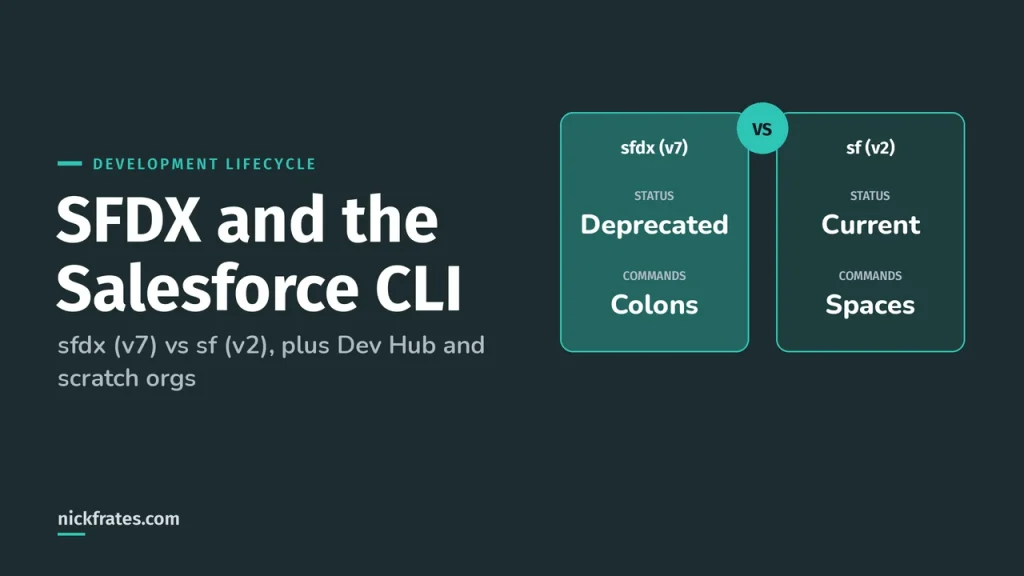
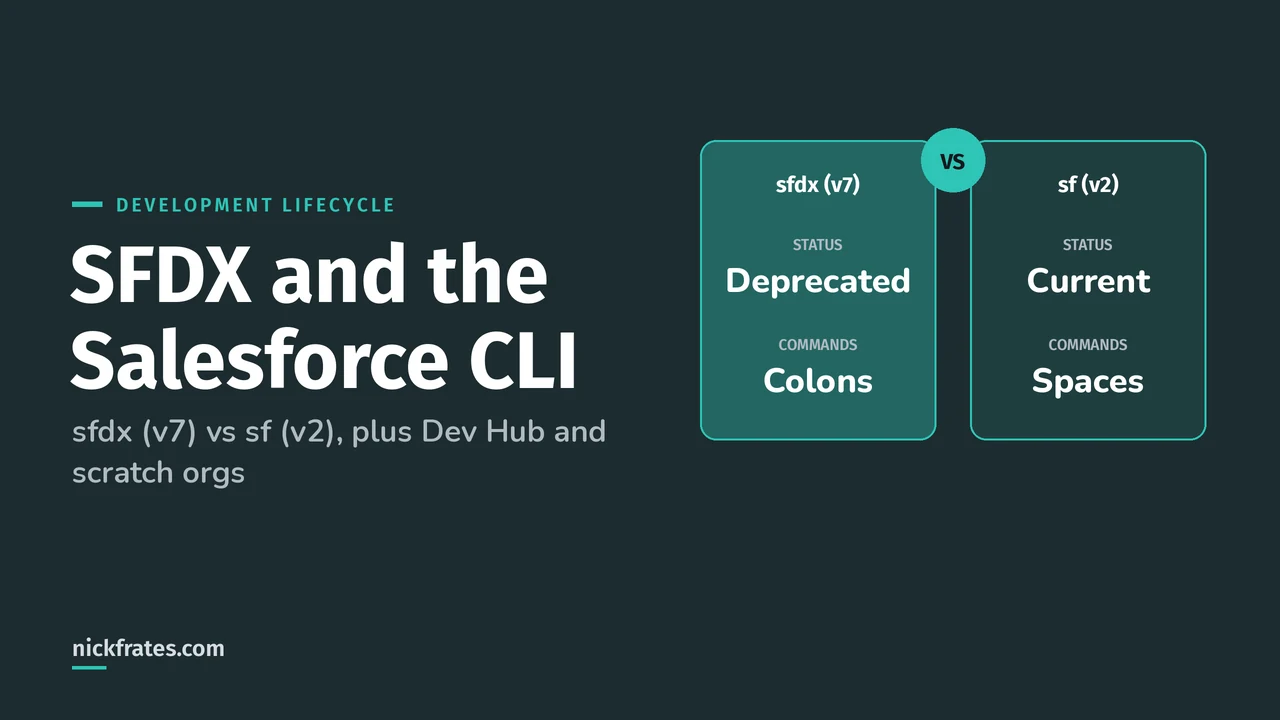
SFDX (Salesforce DX) is Salesforce's source-driven development toolset: the Salesforce CLI, a Dev Hub, scratch orgs and packages, with your version control system as the source of truth instead of an org. The command you type today is sf. The older sfdx (v7) executable is deprecated, and sfdx now works as an alias for sf.
This post covers the pieces the Salesforce Certified Platform Development Lifecycle and Deployment Architect exam keeps coming back to: choosing between an org-based and a package-based development model, choosing between scratch orgs and sandboxes, and knowing what unlocked packages can and can't do. Building is 14% of the exam and Releasing is 13%, and the exam guide says you're not expected to write CLI migration scripts. So the goal here is to understand what each piece is for, not to memorize flags.
Is it sfdx or sf?
It's sf. Salesforce's move from sfdx (v7) to sf (v2) page says the move is easy: you uninstall sfdx (v7) first, then install sf (v2), and the commands you already run keep working. The install page also says Salesforce stopped updating sfdx (v7) on July 12, 2023.
The part that trips people up is that the command style changed too. Old sfdx-style commands used colons and a force topic. The sf-style commands use spaces. Salesforce's own migration page says the sfdx-style commands, like force:org:create, still work for now but are deprecated, and it removed their reference pages on June 12, 2024.
| Old sfdx-style command | Current sf command |
|---|---|
| sfdx force:org:create | sf org create scratch |
| sfdx force:source:push | sf project deploy start |
| sfdx force:user:permset:assign | sf org assign permset |
| sfdx force:data:tree:import | sf data import tree |
| sfdx force:apex:test:run | sf apex test run |
These pairs come from Salesforce's developer blog post on the sf (v2) migration. Flags changed as well. For example, the target org flag went from -u to -o (--target-org), so check each command with --help before you paste an old script. The CLI migration page has a conversion helper for CI scripts.
To move an npm install over, uninstall the old one first and then install the new one. If you skip the uninstall, Salesforce warns you can get an installation error.
If sf version prints something that starts with @salesforce/cli/2, you're on the current CLI.
What is a Dev Hub?
The Dev Hub is the org that creates and tracks your scratch orgs, unlocked packages and second-generation managed packages. Per the Dev Hub setup page, you can enable it in Developer, Enterprise, Performance and Unlimited Edition orgs, and these rules matter for the exam:
- You enable it in Setup by searching for Dev Hub. After you enable it, you can't disable it.
- You can't enable Dev Hub in a sandbox.
- If you're building an unlocked package to deploy to other orgs, enable Dev Hub in one of your active production orgs, so the package is owned by an active org.
- A trial or Developer Edition org works for learning, but trials expire and Developer Edition orgs can expire from inactivity. When that happens you lose access to the package versions that Dev Hub owns.
Then you authorize the Dev Hub from the CLI. The flag that matters is the one that makes it the default, so you can leave the Dev Hub username off later commands.
For CI there's no browser, so Salesforce points you to the JWT flow with sf org login jwt, which needs a certificate and a consumer key. One catch from that page: if you're authorizing a Dev Hub and plan to create scratch orgs or sandboxes with the CLI, it says to use a connected app, not an external client app.
What is a scratch org, and how is it different from a sandbox?
A scratch org is a source-driven, disposable org you create from a definition file, and it's meant to be thrown away. The scratch org page says it has a maximum 30-day lifespan. You pick 1 to 30 days when you create it, the default is 7 days, and you can't restore it after it expires.
Three more facts to keep straight. Scratch orgs start empty, so there are no custom objects, sample data, reports, profiles or Apex until you deploy them. Source tracking is on by default, and you can opt out with --no-track-source. And Salesforce says not to add personal data to them.
How many you can have depends on your Dev Hub edition, per the allocations page. The active allocation is how many can exist at once, and the daily allocation is how many you can create in a rolling 24-hour window.
| Dev Hub edition | Active scratch orgs | Created per day |
|---|---|---|
| Developer Edition or trial | 3 | 6 |
| Enterprise Edition | 40 | 80 |
| Unlimited Edition | 100 | 200 |
| Performance Edition | 100 | 200 |
The definition file is the blueprint. It sets the edition, add-on features and settings, and Salesforce recommends you keep it in version control so the whole team builds the same org. The definition file page lists every option, and the edition is the only required one. Here's a small example built from that page:
Then you create the org, open it, and move source with the deploy and retrieve commands. Because source tracking is on, sf project deploy start sends only what changed. The create scratch orgs page has more variations, such as creating from a snapshot or an org shape.
So which one do you pick? Salesforce's choose the right org blog has a clear comparison, and this table sums up the parts the exam cares about.
| Scratch org | Developer or Developer Pro sandbox | Partial Copy or Full sandbox | |
|---|---|---|---|
| Starts with | Nothing. Only what you deploy | A copy of production metadata | Production metadata plus data (a subset in Partial Copy, all of it in Full) |
| Lifespan | 1 to 30 days, then gone | Persists, refreshed on an interval | Persists, refreshed on an interval |
| Source tracking | On by default | Can be enabled | Not supported |
| Edition | You choose it | Same as production | Same as production |
| Best for | Feature work, CI, automated tests, package development | Longer projects that need production metadata | UAT, performance testing, staging and training |
Source tracking in sandboxes works only for Developer and Developer Pro, per the source tracking page, and a refresh clears the tracking history. Salesforce also says teams usually use scratch orgs and sandboxes together, not one or the other. For the sandbox side, I wrote up the sandbox types in detail.
Cert Lab by Nick Frates
Let the Platform Development Lifecycle and Deployment Architect Cert Lab test you to success
Lessons, flashcards, a quiz for each of the eight exam sections and full practice exams, every answer explained.
Start the Platform Development Lifecycle and Deployment Architect Cert Lab for $9.99 →Not ready to buy? Try a free lesson and see how fast you learn.
Org development model or package development model?
Salesforce DX supports both, and per the development models page they differ in how you deploy, test and release. Both use a source control repository.
| Org development model | Package development model | |
|---|---|---|
| How you work | Retrieve and deploy metadata directly to orgs without source tracking, such as a sandbox or production | Build self-contained packages, usually against source-tracked orgs like scratch orgs |
| Release artifact | Metadata you deploy, for example from a package.xml manifest | A versioned package |
| Where it fits (my read) | Simpler changes, smaller teams, and an org that isn't packaged | Modular, independently versioned pieces, bigger teams and CI |
Salesforce's page says the choice depends on how complex the change is, how big the team is and how skilled it is, and which metadata you work on. It also says you can blend approaches on one project. The package development model page describes the end goal: take the monolith of unpackaged metadata in production and organize it into well-defined packages you can version, install and upgrade.
What is an unlocked package?
An unlocked package is a container of metadata that you version, test and install, and it's the package type Salesforce recommends for internal business apps. The unlocked packages page says unless you plan to distribute an app on AppExchange, unlocked is the right type for most cases. If you do plan to distribute, use second-generation managed packaging instead.
The key idea is the version. Per What is an unlocked package, each package version is an immutable artifact, and you install it in a scratch, sandbox, trial, Developer Edition or production org. Because versions don't change, they work as artifacts for CI/CD.
Unlocked also means admins can edit packaged metadata directly in production. That's handy for an emergency fix and risky otherwise, because the next package upgrade can overwrite the admin's change. Salesforce's advice is governance: admins tell the dev team whenever they edit packaged metadata in production.
The CLI workflow, from the unlocked package workflow page, is four commands after you have a project, a Dev Hub and a scratch org:
The create command updates your sfdx-project.json file with the package directory and an alias. The version number uses a .NEXT placeholder, and the build number counts up each time you create a version (the install command above uses 0.1.0-1):
What stops a package version from going to production?
New package versions are beta, and you install a beta in a scratch org or sandbox. To install in production, the version has to be promoted to released. Three rules come from Salesforce's pages on releasing, code coverage and creating versions:
- Apex code must meet a minimum 75% code coverage before you can promote. You get coverage by adding
--code-coverageto the version create command. - A version created with
--skip-validationis faster to build, but it can't be promoted. - You can promote a package version number once, and you can't undo it.
- A user needs the Promote a package version to released permission in the Dev Hub.
There's also a daily cap. The before you create unlocked packages page says the number of unlocked package versions you can create per day equals your daily scratch org allocation, and that packages and scratch orgs are counted separately.
When should I use an org-dependent unlocked package?
When your production org is a big old tangle and you can't package everything cleanly. Org-dependent unlocked packages let you package metadata that depends on unpackaged metadata in the org where you'll install it. They're a variation of unlocked packages, not a new package type.
| Unlocked package | Org-dependent unlocked package | |
|---|---|---|
| Build once, install anywhere | Yes | No. Only orgs that contain the metadata it depends on |
| Dependency validation | At package version creation | At package installation |
| Can depend on other packages | Yes | No |
| Code coverage | 75% minimum before promoting | Not calculated, but Salesforce recommends testing well |
| Where to develop and test | Scratch orgs | A sandbox that contains the dependent metadata |
If you learn best by testing yourself, the Platform Development Lifecycle and Deployment Architect Cert Lab has quick practice questions on scratch orgs, sandboxes and unlocked packages, with every option explained.
How would I answer an exam scenario about this?
Exam questions give you a customer and ask for a recommendation. Here's how I'd reason through three of them.
- A 40-person team on five product streams wants CI and small, testable releases. Package development model, with unlocked packages built from version control, developed in scratch orgs. Versions are immutable, so CI can build once and install anywhere.
- A ten-year-old production org has no clean boundaries and the team wants to start packaging. An org-dependent unlocked package, developed in a sandbox that has the dependent metadata, because it skips dependency validation until install.
- The business needs user acceptance testing with realistic data. A Partial Copy or Full sandbox. A scratch org starts empty, so it can't give them production-like data without extra work.
What mistakes do people make with SFDX?
- Writing new scripts with
force:commands. They still work for now but they're deprecated, so writesfcommands. - Treating a scratch org as storage. It expires, so anything not committed to version control is gone.
- Trying to enable Dev Hub in a sandbox, or using a short-lived trial org as the Dev Hub for packages you plan to keep.
- Skipping validation to build faster, then discovering that version can't be promoted.
- Letting admins change packaged metadata in production and then pushing an upgrade that overwrites it.
- Expecting source tracking in a Full or Partial Copy sandbox. It's supported in Developer and Developer Pro sandboxes only.
If you want a hands-on starting point for the CLI, my Claude Code and Salesforce CLI setup post walks through installing it, and the Salesforce DevOps guide shows where these commands fit in a pipeline.
A bit about how I study. Focus on Force was my favorite resource on the way to 17 Salesforce certs. I started the traditional way, reading the study guide first and testing second, but rapid-fire practice tests are what actually made things stick. That's the loop Cert Lab is built on: quick questions, then explanations with current links, then go again.
FAQ
What does SFDX stand for?
SFDX is short for Salesforce DX, where DX means developer experience. It's the set of tools for source-driven development: the Salesforce CLI, Dev Hub, scratch orgs and packages.
Is SFDX deprecated?
The sfdx (v7) executable is deprecated, and Salesforce stopped updating it on July 12, 2023. The sfdx-style colon commands are deprecated too. Salesforce DX as an approach isn't deprecated, and you use it through the sf command.
What is the difference between sf and sfdx?
After you move to sf (v2), the two commands run the same thing, so sfdx is an alias. The sf-style commands use spaces, such as sf org create scratch, instead of colons, such as sfdx force:org:create.
How long does a scratch org last?
Between 1 and 30 days. The default is 7 days, and you can't restore a scratch org after it expires.
Can I use my production org as a Dev Hub?
Yes. You can enable Dev Hub in Developer, Enterprise, Performance and Unlimited Edition orgs, and Salesforce recommends an active production org when the package will be deployed to other orgs. You can't disable it after enabling, and you can't enable it in a sandbox.
How many package versions can I create per day?
The same number as your daily scratch org allocation. Salesforce counts packages and scratch orgs separately, so creating a package version doesn't use up your scratch org limit.
What is the difference between an unlocked package and a managed package?
Unlocked packages are for internal apps and their metadata can be edited in production. Managed packages have manageability rules and are the choice for distributing on AppExchange.
Where should you go next?
- Salesforce Metadata API for how deployments work underneath.
- Salesforce DevOps for strategy, tools and CI/CD.
- Salesforce sandbox types for the sandbox side of the choice.
- Development Lifecycle and Deployment Architect study plan for the full exam.
Nick Frates, a senior Salesforce developer with 17 certifications, built the Platform Development Lifecycle and Deployment Architect Cert Lab at nickfrates.com: rapid-fire practice questions for every exam section, each answer explained.
Cert Lab by Nick Frates
Let the Platform Development Lifecycle and Deployment Architect Cert Lab test you to success
Lessons, flashcards, a quiz for each of the eight exam sections and full practice exams, every answer explained.
Start the Platform Development Lifecycle and Deployment Architect Cert Lab for $9.99 →Not ready to buy? Try a free lesson and see how fast you learn.
Hope this helps!
Best,
Nick