Hey friends,
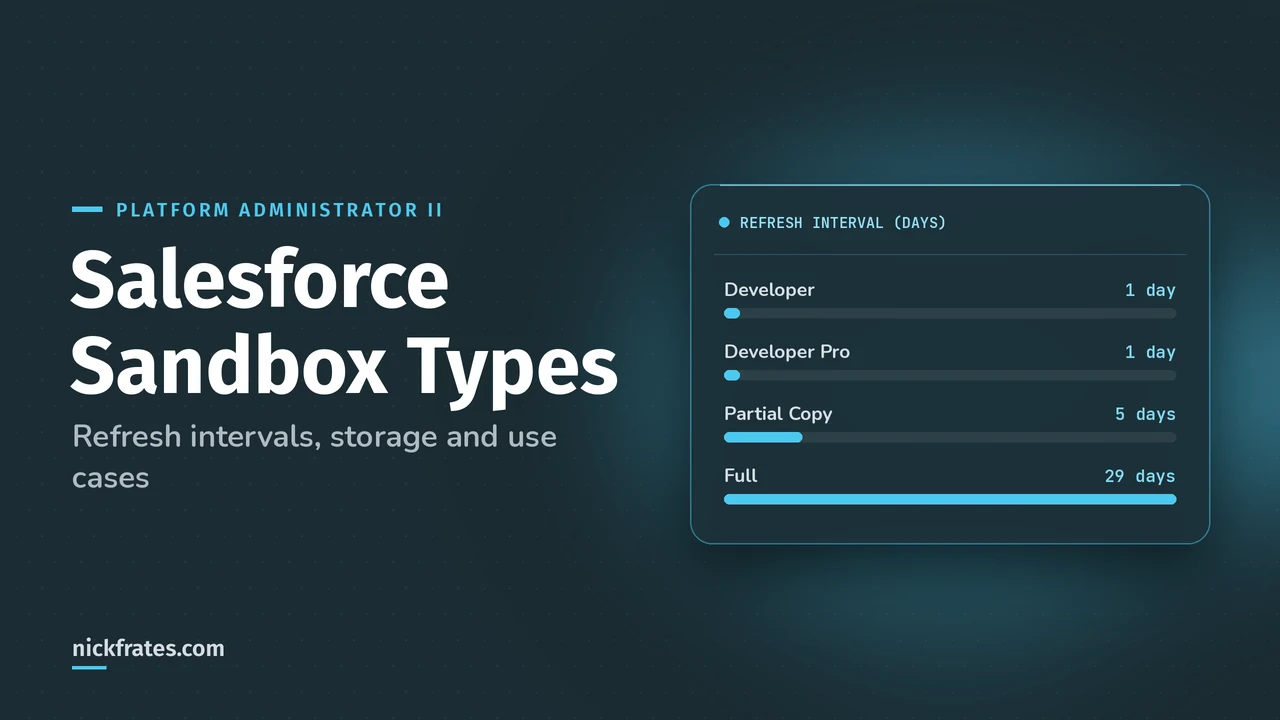
Salesforce has four sandbox types: Developer and Developer Pro (metadata only, refresh every 1 day), Partial Copy (metadata plus a sample of data, refresh every 5 days) and Full (a replica of production with all data, refresh every 29 days). Use Developer sandboxes to build, Partial Copy to test with real data, and Full for staging and performance testing.
A sandbox is a copy of your production org that's isolated from it, so nothing you do there affects real users. The numbers below come from Salesforce Help's Sandbox Licenses and Storage Limits by Type and Sandbox Types and Templates.
Salesforce sandbox types compared
| Sandbox type | Refresh interval | Storage | What's copied | Templates |
|---|---|---|---|---|
| Developer | 1 day | 200 MB data (400 MB with upgrade), 200 MB files | Metadata only | Not available |
| Developer Pro | 1 day | 1 GB data (2 GB with upgrade), 1 GB files | Metadata only | Not available |
| Partial Copy | 5 days | 5 GB data, files same as production | Metadata and sample data | Required |
| Full | 29 days | Same as production | Metadata and all data | Available |
The refresh interval is how long you must wait between refreshes of the same sandbox. That 29-day wait is why Salesforce says Full sandboxes are hard to use for development.
What is a Developer sandbox?
A Developer sandbox is a small, metadata-only copy of production for building and testing in isolation. You get your configuration (objects, fields, flows, code) but no records, so you create test data yourself. Refreshing daily makes it easy to start clean.
What is the difference between Developer and Developer Pro?
Developer Pro is the same idea with more storage: 1 GB of data instead of 200 MB. Salesforce suggests it for heavier development and QA work, integration testing and user training.
What is a Partial Copy sandbox?
A Partial Copy sandbox includes your metadata plus a sample of production data defined by a sandbox template. The template is required, and it picks which objects to copy. Salesforce adds required related objects for you, so if Object A is the master of Object B and you pick B, A comes along. Use it for user acceptance testing (UAT), integration testing and training.
When should you use a Full sandbox?
Use a Full sandbox for performance testing, load testing and staging, because only Full sandboxes support those. It copies all data and metadata. When you create one, you also decide whether to include field history tracking and Chatter activity. Leave them out unless you need them, because Chatter data can add a lot of copy time.
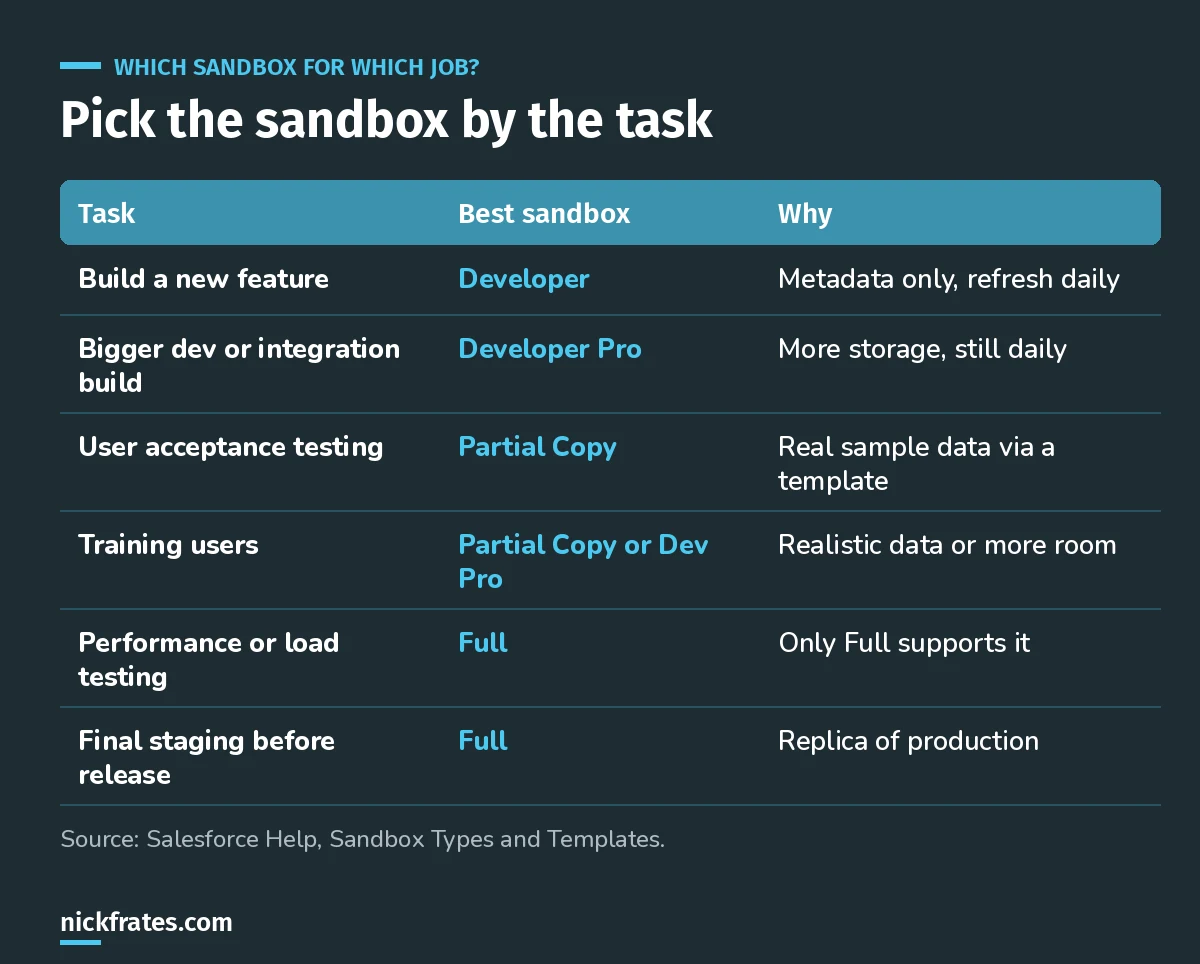
Match the sandbox to the job, not to whatever's free.
Licenses are hierarchical, too. A Full sandbox license can create any lower type, a Partial Copy license can create Partial Copy, Developer Pro or Developer, and so on down. This shows up in Platform Administrator II questions about Environment Management and Deployment (7% of the exam).
A bit about how I study. I loved Focus on Force when I was earning my first certifications, and I learned fastest from rapid-fire practice tests, not from rereading. So Cert Lab is built around fast testing, with every explanation linked to current Salesforce Help pages and screenshots. Certifications got me interviews, hires, raises and moves into new domains. Experience still matters most, so pair the cert with something real you can talk about.
Cert Lab by Nick Frates
Let the Platform Administrator II Cert Lab test you to success
Scenario questions on sandboxes, change sets and deployment, plus every other exam section, with each answer explained so you know why.
Start the Platform Administrator II Cert Lab for $9.99 →A worked scenario
Say your team is rolling out a new opportunity approval process. Here's how I'd use sandboxes:
- Build the flow and approval in a Developer sandbox.
- Move it with a change set to a Partial Copy sandbox seeded with real opportunities from a template.
- Have sales managers run UAT there, on data they recognize.
- Stage the final version in a Full sandbox and check it against full data volumes.
- Deploy to production.
Common sandbox mistakes
- Developing in a Full sandbox. One bad change and you wait 29 days for a clean refresh.
- Refreshing a sandbox someone is using. A refresh replaces it. Warn the team first.
- Testing UAT on fake data. Users spot problems faster with records they know.
- Forgetting storage limits. Sandboxes don't email you when storage is full; you just can't save new data.
FAQ
How many sandbox types does Salesforce have?
Four: Developer, Developer Pro, Partial Copy and Full.
Which sandbox has a copy of all production data?
Only the Full sandbox. Partial Copy has a sample defined by a template.
How often can you refresh a Full sandbox?
Every 29 days. Developer and Developer Pro can refresh every 1 day, and Partial Copy every 5 days.
Do Developer sandboxes include data?
No. Developer and Developer Pro sandboxes copy metadata only.
Where should you go next?
- Platform Administrator II study guide
- Platform Administrator II practice questions
- Platform Administrator II vs Administrator
Cert Lab by Nick Frates
Let the Platform Administrator II Cert Lab test you to success
Lessons, flashcards, section quizzes and four 60-question practice exams for all seven Platform Administrator II sections, every answer explained.
Start the Platform Administrator II Cert Lab for $9.99 →Hope this helps!
Best,
Nick


