Hey friends,
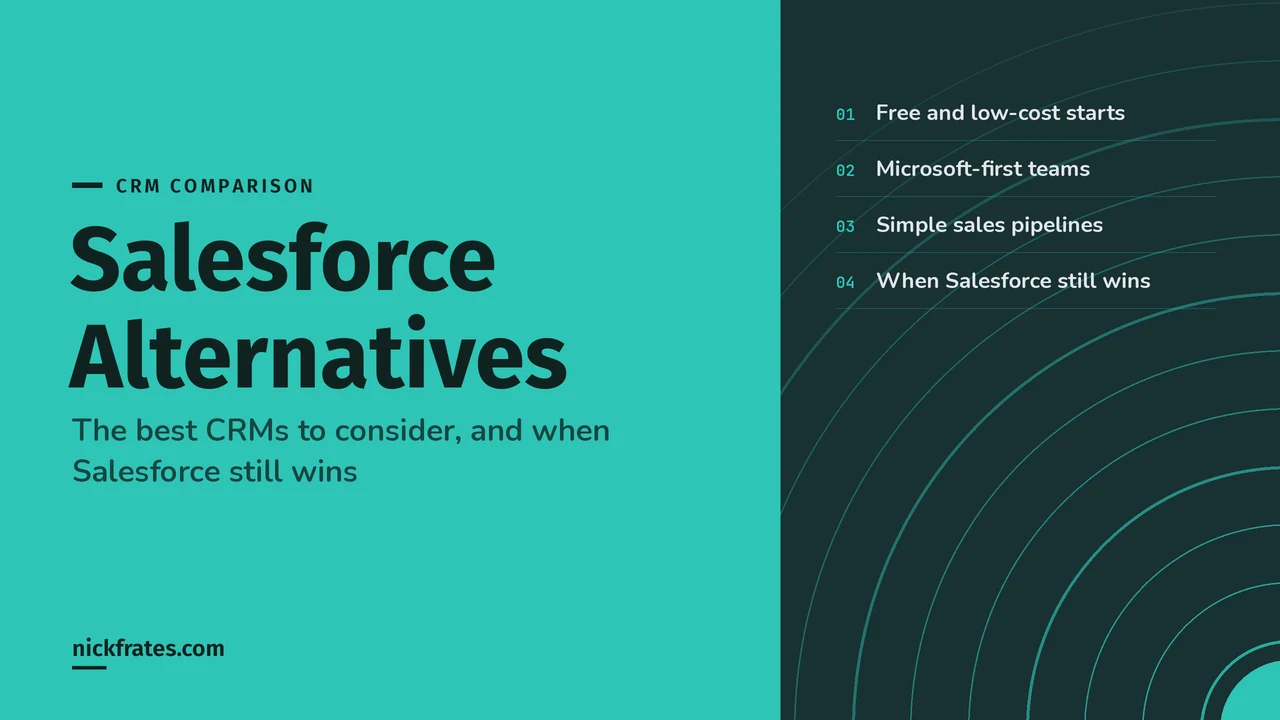
The best Salesforce alternative depends on your team. HubSpot or Zoho CRM suit small teams that want a free or low-cost start, Pipedrive or Freshsales suit a simple sales pipeline, and Microsoft Dynamics 365 Sales suits teams that live in Microsoft 365. Salesforce still wins when your process needs custom data with real relationships, a big app marketplace and room to grow on one platform.
One thing before the comparison. Salesforce isn't only the big-company option. Its own pricing page lists a Free Suite for two users and a Starter Suite at $25 per user per month, so I compare it on the same footing as the others. If you're new to customer relationship management (CRM) software or to Salesforce, start with What Is Salesforce CRM?.
The best Salesforce alternatives at a glance
Start with the job you need the CRM to do, then look at the name in the right column first.
| If you want to... | Look at first |
|---|---|
| Start with a free CRM and grow into paid plans | HubSpot (free CRM, no expiration date), Zoho CRM (free forever for 3 users), Salesforce Free Suite (2 users) |
| Run a simple sales pipeline with a small team | Pipedrive or Freshsales |
| Keep your CRM close to Outlook, Teams and Microsoft 365 | Microsoft Dynamics 365 Sales |
| Run sales, service and marketing from one vendor | Salesforce Starter Suite, Zoho CRM Plus or HubSpot |
| Model custom data with real relationships and use a large app marketplace | Salesforce |
Each tool below gets a short profile, and every fact comes from that vendor's own page.
HubSpot
HubSpot's free CRM says it has no expiration date. It covers contact management, deal pipelines, CRM import and a reporting dashboard, and the page lists more than 2,000 apps in the HubSpot Marketplace. HubSpot also says you can get set up in minutes without IT support.
Paid tiers are priced per seat, and the heavier admin features sit near the top. HubSpot lists permission sets under Starter, and custom objects and field-level permissions under Enterprise. I left HubSpot's paid prices out of the table below because its pricing pages show promotional discounts for new customers. Check the HubSpot pricing page for what applies to you.
Good fit: a small team that wants to start free and keep sales, marketing and service data together.
Zoho CRM
Zoho CRM has a free edition that its pricing page calls forever free for 3 users. Paid editions are Standard, Professional and Enterprise. Standard lists multiple sales pipelines, forecasting and custom modules. Professional adds process management and AI agents. Enterprise adds an approval process and a developer sandbox.
Zoho also sells Bigin, which it describes as a simple CRM for first-timers, and Zoho CRM Plus, which bundles sales, marketing and service.
Good fit: a budget-conscious team that still wants automation, custom modules and a path to a sandbox.
Pipedrive
Pipedrive is built around the sales pipeline. Its plans are Lite, Growth, Premium and Ultimate, and every plan starts with a 14-day free trial that needs no credit card. Lite covers lead, calendar and pipeline management, Growth adds full email sync and automations, Premium adds lead routing, contracts and enhanced customization, and Ultimate adds a sandbox. It lists 500+ integrations.
Good fit: a sales team that wants a pipeline view, email sync and automation without the rest of a CRM platform.
Freshsales
Freshsales from Freshworks has Growth, Pro and Enterprise plans and a 21-day trial. Growth lists a Kanban view, contact lifecycle stages, chat, email and phone, and basic workflows. Pro adds contact scoring, territory management and sales sequences. Enterprise adds forecasting insights, field-level permissions, custom modules, a sandbox and audit logs.
Good fit: startups and small or mid-sized teams that want low entry pricing and phone, email and chat in one place.
Microsoft Dynamics 365 Sales
Dynamics 365 Sales lists core sales force automation, Microsoft 365 interoperation, reporting and dashboards in its Professional plan. Enterprise lists Copilot and agentic capabilities, including prebuilt agents such as the Sales Close Agent, plus advanced customization. There's a free trial.
Good fit: a company already standardized on Microsoft 365 that wants its CRM to sit next to Outlook and Teams.
Salesforce Alternatives compared by price
Here are the entry paid plan and the next plan up for each, in US dollars per user per month, as listed on each vendor's pricing page on October 28, 2026. Prices are billed annually unless noted.
| CRM | Free plan or trial | Entry paid plan | Next plan up |
|---|---|---|---|
| Salesforce | Free Suite, 2 users | Starter Suite, $25 (monthly or annual) | Pro Suite, $100 |
| HubSpot | Free CRM, no expiration date | Starter, priced per seat | Professional, priced per seat |
| Zoho CRM | Free forever, 3 users | Standard, $14 | Professional, $23 |
| Pipedrive | 14-day trial, no card | Lite, $14 | Growth, $39 |
| Freshsales | 21-day trial | Growth, $9 | Pro, $39 |
| Dynamics 365 Sales | Free trial | Professional, $65 | Enterprise, $105 |
Seat price is only part of the bill. Salesforce's own page also lists higher Sales Cloud editions, from Core at $195 up to Max at $550 per user per month, and its FAQ says Salesforce also sells add-ons, apps and additional products. For edition-by-edition detail see Salesforce Sales Cloud Pricing and Editions.
Where the heavier features start
The cheapest plan rarely has the features you'll want in year two. Custom objects (called custom modules at some vendors) store data beyond contacts, companies and deals. Field-level permissions control who can see or edit a single field. A sandbox is a test copy of your CRM where you can try changes safely. Here is where each vendor's own pages put them.
| CRM | Where the heavier features start |
|---|---|
| HubSpot | Permission sets in Starter. Custom objects and field-level permissions in Enterprise. |
| Zoho CRM | Custom modules in Standard. Approval process and developer sandbox in Enterprise. |
| Pipedrive | Enhanced customization and group-level permissions in Premium. Sandbox in Ultimate. |
| Freshsales | Custom modules, field-level permissions, sandbox and audit logs in Enterprise. |
| Dynamics 365 Sales | Advanced customization and prebuilt agents listed in Enterprise. |
| Salesforce | Greater customization and AgentExchange access in Pro Suite. Higher editions add more. |
If your process needs one of these, price the plan that includes it, not the entry plan.
When Salesforce still wins
I'd pick Salesforce when at least one of these is true for your team.
- Your data is more than contacts and deals. Salesforce's developer guide describes custom objects as custom database tables. They relate to other objects just like standard objects do, including master-detail and many-to-many relationships. If you track things like projects, contracts or applications, that's the feature to test. My lookup vs master-detail guide shows the difference.
- You need a big marketplace. Salesforce's AgentExchange, which now includes AppExchange, says it has more than 13K solutions. HubSpot's CRM page lists 2,000+ apps and Pipedrive lists 500+ integrations. The counts aren't measured the same way, but the gap matters if you need an app for a niche industry.
- You expect to grow a lot. Salesforce sells everything from Free Suite and Starter Suite up to Core, Advanced and Max, so a growing team can often move up without changing CRMs.
- You want to build on the platform. Flows, Apex and Agentforce all work on the same data. Every vendor here sells AI features now, so AI alone won't decide it. My Agentforce guide covers how Salesforce's agents work.
Cert Lab by Nick Frates
Staying on Salesforce? Learn to run it.
Lessons for all 8 Platform Administrator exam sections, practice questions that explain every option, and flashcards. Free, no card, no trial.
Start the free Admin Cert Lab →When an alternative is the better call
Salesforce isn't always the right choice, and I'd say so plainly. These are the cases where I'd look elsewhere.
- You have one small sales team and nobody to administer the system. Pipedrive, Freshsales or HubSpot will get you to a working pipeline faster.
- You want the lowest seat price. Freshsales, Zoho CRM and Pipedrive list lower entry plans than Salesforce's Starter Suite.
- Your team already works in Microsoft 365. Dynamics 365 Sales is built to work with it.
- You only need a contact list and a deal board. A free CRM is enough, and you can move up later.
How to choose in one afternoon
- Write down the five workflows the CRM must handle, such as lead routing, a quote approval or a renewal reminder.
- Count your users today and in two years, then price the plan that includes the features from step 1.
- Start the trials. Salesforce offers a free 30-day trial of Starter Suite for up to 10 users on its pricing page, Pipedrive gives 14 days, Freshsales 21 days, and HubSpot and Zoho have free tiers.
- Run the same test in each one. Import 200 real contacts, build one pipeline, automate one task and build one report.
- Ask each vendor what your setup costs with add-ons and the plan above the entry one, then choose.
Common mistakes when comparing CRMs
- Comparing the cheapest plans. The features in the table above sit in different tiers at every vendor.
- Forgetting add-ons. For example, Salesforce's pricing page lists Web Services API access on Pro Suite as an extra $25 per user per month, so check API access (the way other systems connect to your data) if you plan to integrate.
- Ignoring the move. Moving contacts, accounts and history takes planning. See Salesforce Data Migration and Data Import Wizard vs Data Loader for the Salesforce side.
- Missing free-tier limits. Salesforce's Free Suite includes two users and stays free as long as someone logs in at least once every 60 days. Zoho's free edition covers 3 users.
- Choosing on an AI demo. HubSpot, Zoho, Dynamics, Freshsales and Salesforce all sell AI agents, so test your own data. For Salesforce's side, read the Agentforce guide.
If you decide Salesforce is the answer and want to learn how it works, my Salesforce CRM tutorial walks from a lead to a closed-won deal, and the certification study guides show where the Admin exam fits. The free Admin Cert Lab I built is one way to prepare.
FAQ
What is the best alternative to Salesforce?
It depends on your team. HubSpot and Zoho CRM are strong for a free or low-cost start, Pipedrive and Freshsales for a simple sales pipeline, and Dynamics 365 Sales for Microsoft 365 teams.
Is there a free alternative to Salesforce?
Yes. HubSpot's CRM says it has no expiration date, and Zoho CRM's free edition covers 3 users. Salesforce also offers a Free Suite for two users.
Is Salesforce the most expensive CRM?
Not at the entry level. Starter Suite is $25 per user per month, while Dynamics 365 Sales Professional is $65. Salesforce's top Sales Cloud editions do go up to $550.
Is HubSpot better than Salesforce?
HubSpot is simpler to start with, and Salesforce goes further on custom data and marketplace size. The better one is the one that handles your five key workflows in a trial.
Can I move from Salesforce to another CRM?
Yes, by exporting your data and importing it into the new tool. HubSpot and Zoho both list data import on their own pages. Plan time to remap custom objects and relationships.
Do I still need Salesforce skills if I pick an alternative?
Not for the alternative itself. Salesforce certifications cover Salesforce only, so they matter if you work or plan to work on that platform.
Hope this helps!
Best,
Nick