Hey everyone,
If you run or support a sales team, this one’s for you. Trailhead puts it plainly: managers often can’t give every rep the 1:1 coaching they want or need (Trailhead). Sales Coach is Salesforce’s answer to that.
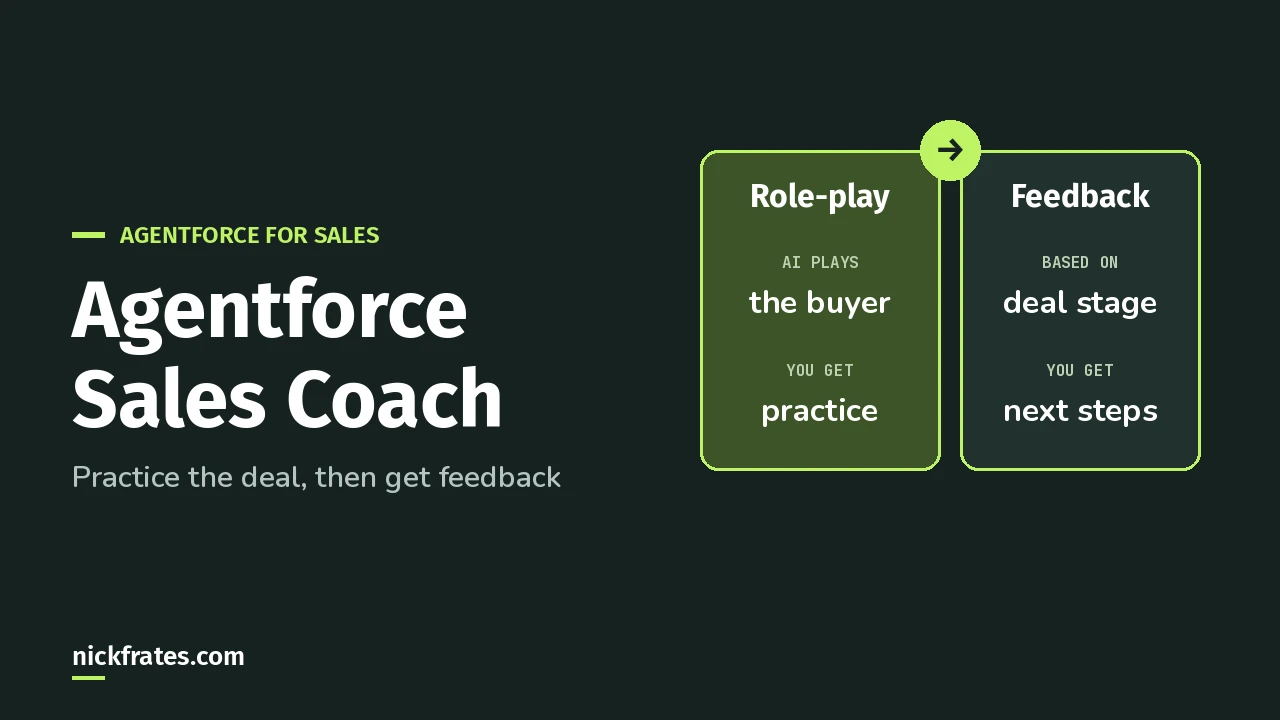
Agentforce Sales Coach is an agent on the Opportunity page that lets reps practice a pitch or a negotiation with an AI buyer, then gives feedback based on the deal’s stage and CRM data. You turn it on in Salesforce Go, give it an agent user and permission sets, add it to the Opportunity page, and activate the agent in Agentforce Builder.
What does Sales Coach actually do?
The Trailhead overview lists three prebuilt subagents. A subagent is a job area inside an agent. Older docs and the exam guide call it a topic.
- Negotiation/Review Role-Play and Proposal Quote Role-Play. The coach plays a customer so the rep can practice. In the negotiation, the AI buyer’s goal is to get the best deal for their company.
- Opportunity Coaching. The coach gives feedback after a role-play or a pitch practice.
Feedback follows best practices for five stages: Qualification, Needs Analysis, Discovery, Proposal/Pricing and Negotiation/Review. Each stage has its own prompt template. (Open those templates in Prompt Builder if you want to see exactly what CRM data the coach reads.)
Reps can practice as many times as they want, on the real opportunity, before the real call.
Can my org use it?
Per Salesforce Help, Sales Coach is available in Lightning Experience in Enterprise, Performance, Unlimited and Developer Editions with Foundations or Agentforce 1 Editions. Turning it on needs the Prompt Template User permission.
Older Trailhead content mentions a separate Sales Coach add-on. Current Help doesn’t, so go by Help.
How do I set it up?
Current Help starts in Salesforce Go. The rest follows the Trailhead setup unit, which uses the Agentforce Sales Coach Setup page.
- Turn it on. In Setup, open Salesforce Go. Under Agentforce for Sales, click Set Up, turn on Agentforce and the Agentforce Sales Coach template, then click Confirm.
- Give the agent its user. In Step 2: Create a User for Agentforce Sales Coach, click Go to Permission Sets, then Add Assignments, and assign the Agentforce Sales Coach permission set to your agent user.
- Give people access. In Step 3: Grant Access to Agentforce Sales Coach, assign Manage Agentforce Sales Coach to the people who configure it and Use Agentforce Sales Coach to the reps.
- Add it to the Opportunity page. In Step 1: Enable Agentforce Sales Coach, click Go to App Builder. Drag the Agentforce Sales Coach component onto the Opportunity record page, then Save and Activate.
- Create the agent. In Agentforce Builder, choose Agentforce Sales Coach, keep the prebuilt subagents, and fill in Name, Description, Role, Company and Agent User. Trailhead also checks Keep a record of conversations with Enhanced Event Logs to review agent behavior.
- Activate the agent once you’ve tested it.
The step numbers in bold are the labels on the setup page. This list follows the order the Trailhead unit walks through them.
One optional extra from the maintenance module: ground the coach with retrieval augmented generation (RAG). RAG means the coach looks up your own documents before it answers. You attach a data library retriever to the stage prompt templates. My Agentforce Data Library guide covers building one.
Cert Lab by Nick Frates
Practice standard agent questions
Exam-style questions on standard subagents, actions and setup, with each answer explained, plus lessons for all six Agentforce Specialist sections.
Start the Agentforce Specialist Cert Lab for $9.99 →What does a role-play look like for the rep?
In the Trailhead project, the rep clicks Start and talks with the coach, who plays the buyer. Then the rep clicks End Role Play and View Feedback.
Three rules from that project are worth telling your reps up front:
- Five minutes. A role-play has a five-minute limit.
- Three turns. The rep needs at least three back-and-forth turns to get feedback.
- English only, for now. Role-play currently works only in English.
Also, feedback isn’t stored on the opportunity. If a rep wants to keep it, they click Copy Feedback.
Is Sales Coach on the Agentforce Specialist exam?
Not by name. But selecting and configuring standard subagents and actions is listed in the Agentforce Specialist exam guide, and Sales Coach is a clean example of a standard agent.
For more on how subagents and actions fit together, see Agentforce subagents and actions. New to Agentforce? Start with the Agentforce guide, or browse my Salesforce certification study guides.
Cert Lab by Nick Frates
Get ready for the Agentforce Specialist exam
Lessons, practice questions and flashcards for every exam section, with each answer explained.
Start the Agentforce Specialist Cert Lab for $9.99 →Would your reps actually use a practice buyer? Let me know!
Hope this helps!
Best,
Nick


