Hey there,
If you’ve opened Prompt Builder and stared at the template type list, this one’s for you.
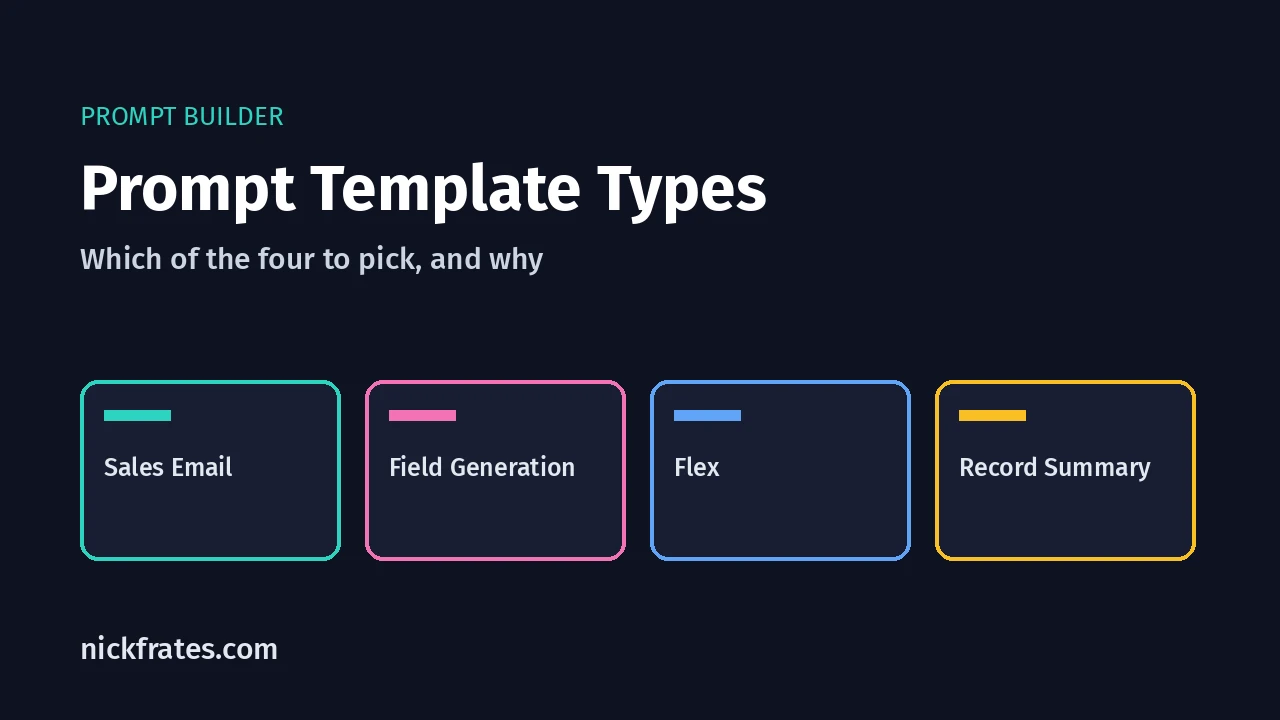
Prompt Builder has four prompt template types: Sales Email, Field Generation, Record Summary and Flex. Pick Field Generation to fill a field, Sales Email to draft a customer email, Record Summary to summarize a record, and Flex for anything else.
A prompt template is a saved set of instructions that Salesforce fills with your record data and sends to a large language model (LLM), the AI model that writes the answer.
What does each prompt template type do?
Here’s how Prompt Builder Basics on Trailhead describes them:
| Type | What it does |
|---|---|
| Sales Email | Drafts personalized emails for your customers, products and events, based on record data |
| Field Generation | Brings AI-assisted workflows to fields on a Salesforce record |
| Record Summary | Creates a rich-text summary of a record, based on the record’s data |
| Flex | Covers business uses the other types don’t, and lets you define your own resources |
Which type should I pick?
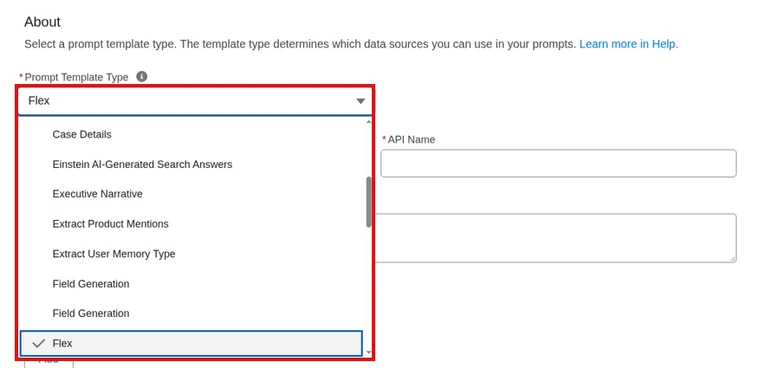
Start with the job, not the type. In Prompt Builder, the type is the first thing you choose.
- You want AI to fill a field. Use Field Generation. It works with writable text, text area, text area (long) and text area (rich) fields. It doesn’t work with read-only fields.
- You want an email draft. Use Sales Email.
- You want a short overview of a record. Use Record Summary.
- You need data from more than one place, or a custom use. Use Flex. Its inputs aren’t fixed ahead of time. You pick up to five during setup (Trailhead).
(Flex is the one I’d reach for when nothing else fits. It’s also the easiest to overbuild, so keep its inputs few.)
How do I create a prompt template?
These steps follow the Prompt Builder quick start on Trailhead:
- Open the App Launcher, select Agentforce Studio, then click Prompt Templates.
- Click New Prompt Template and choose the Prompt Template Type.
- Enter a name, press Tab to fill the API name, and add a description.
- For Field Generation, pick the object and the field. Click Next.
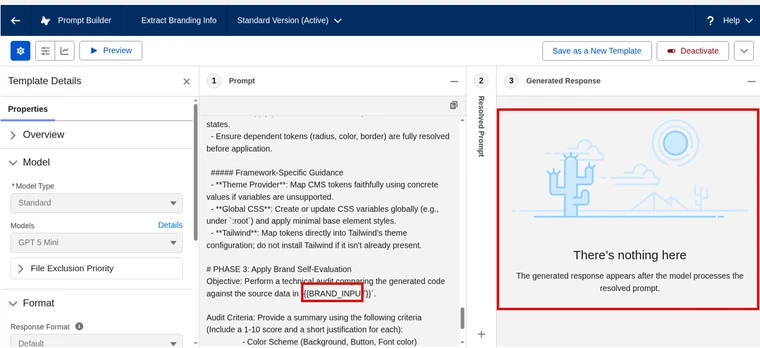
- Write the prompt. Use + Insert Resource to add merge fields, such as the case priority. A merge field is a placeholder that Salesforce fills with real record data.
- Click Preview, choose a record under Inputs, and read the response.
- Click Activate.
Field Generation needs one more step. In Lightning App Builder, the record page must use Dynamic Forms. Select the field, then assign the template in the Einstein Generative AI section of Field Properties. If you skip this, users never see the template.
Cert Lab by Nick Frates
Know the template types cold
Practice questions on prompt templates and grounding, with each answer explained, plus lessons for every Agentforce Specialist exam section.
Start the Agentforce Specialist Cert Lab for $9.99 →How do I add data from Flow or Apex?
Giving the AI real data from your org is called grounding. Prompt templates can pull data through merge fields, Flow, Data 360 and Apex (Trailhead).
Flow: create a Template-Triggered Prompt Flow. It runs only from a prompt template. Use its Add Prompt Instructions element to send text into the prompt.
Apex: write a class with at least one method marked @InvocableMethod. Here’s a change worth knowing. Salesforce Help says you no longer need to set CapabilityType on that annotation. Without it, the class shows up as a merge field in all prompt templates, not just one type. If older code sets it, you can remove it.
Developers can also call templates through the Connect REST API, Connect in Apex, or the Generate Prompt Response invocable action. They can move templates between orgs with Metadata API (Agentforce Developer Guide).
Want a flow to run as an agent action instead? See how to use a flow as an Agentforce action.
Will this be on the Agentforce Specialist exam?
Yes. Prompt Engineering is 20% of the Agentforce Specialist exam guide. Knowing which type fits which job is exactly the kind of scenario it asks about.
For the rest of the exam, my Agentforce Specialist study guide covers every section, and the Agentforce guide is the place to start if you’re new. You can also browse all my Salesforce certification study guides.
Cert Lab by Nick Frates
Get ready for the Agentforce Specialist exam
Lessons, exam-style practice questions and flashcards for all six sections, with each answer explained.
Start the Agentforce Specialist Cert Lab for $9.99 →Which template type do you use most? Let me know!
Hope this helps!
Best,
Nick


