Hey there,
If your reps can’t get to every lead, this is the agent Salesforce built for that job.
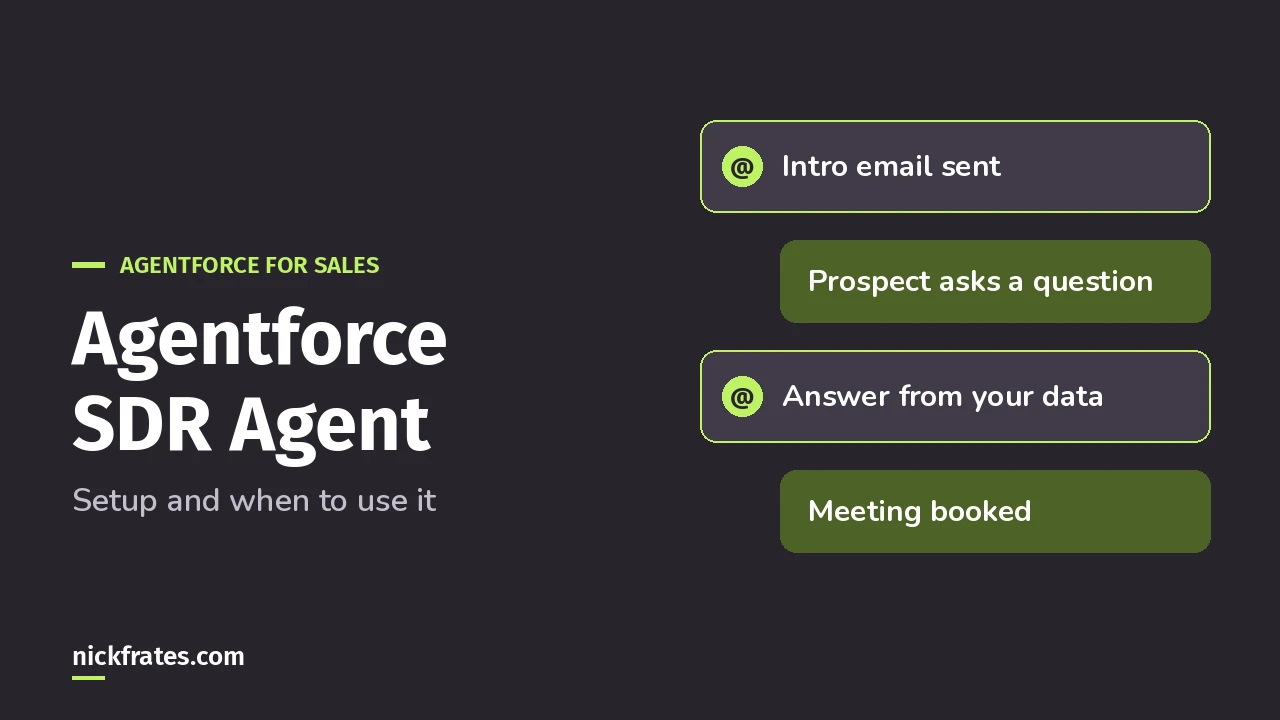
The Agentforce SDR agent is now called Agentforce Engagement. It emails your leads, follows up when they don’t reply, answers their questions from your own files, and books meetings for your reps. You turn it on and build it in Salesforce Go.
Salesforce has renamed it more than once. Help says the Lead Nurturing agent was renamed Agentforce Engagement, to set it apart from the Lead Generation agent template (Salesforce Help). I’ll say “SDR agent” here because that’s what most people search for.
What does the Agentforce SDR agent actually do?
Per Trailhead, it can be the first point of contact for inbound leads. It sends personalized outreach, answers customer questions and books meetings on your sellers’ behalf.
It works with leads, contacts and person accounts. It isn’t only for new business either: it can help with onboarding, renewals and re-engaging stale opportunities.
Your team tracks what it’s doing in the Control Center and an Agent Analytics dashboard.
Is my org ready for it?
Check these before you start (all from the setup Help article and Trailhead):
- Edition: Lightning Experience in Enterprise, Performance or Unlimited, with Sales and Einstein for Sales.
- Permission: Configure Engagement Agent, for whoever sets it up.
- Email sync: Einstein Activity Capture (EAC), which syncs your Microsoft or Google email and calendar with Salesforce. The agent needs user-level EAC authentication, not org-level.
- Meetings: at least one user who’ll work with the agent needs the Inbox permission and an active email connection.
- Content: files about your business, products and services, loaded into an Agentforce Data Library.
The EAC piece is the one I’d sort out first. It’s what makes the agent’s emails and booked meetings show up on the Activity Timeline, in the Control Center and in reports.
What decisions do I make during setup?
Salesforce Go walks you through it. To start, search Salesforce Go for Agentforce for Sales and click Turn On. Most of what follows is clicking through, but four choices deserve real thought.
1. How you pay. You choose billing per lead worked or per action taken (Flex Credits). Per lead worked uses a flat number of Flex Credits for each lead the agent acts on within 30 days.
Per action charges credits for every agent action, plus data usage. Help says per lead worked is more cost-effective for most customers, but it depends on how you set the agent up.
2. Who the agent is. The agent runs as its own user record, with a special Einstein Agent license that lets it work on its own. Agentforce assigns its permissions, sets up EAC and connects an email account for it.
3. What it says. In the guided build (Trailhead walks through it), you pick the Engagement template and fill in a primary value proposition, key achievements (your proof points), follow-up nudges for leads who don’t reply, and a tone.
Use Preview Email with a real lead to see the outreach before anything goes out.
4. Who counts as qualified. Qualification Settings let you describe your ideal customer profile and choose extra fields to capture, like Industry or Rating. This is how the agent decides who’s worth your reps’ time.
When you’re happy, click Activate Agent.
Agentforce Specialist Cert Lab
Agents like this are on the exam
AI Agents is 35% of the Agentforce Specialist exam. Practice it with exam-style questions and explained answers.
Start the Agentforce Specialist Cert Lab for $9.99 →How do my reps stay in control?
Reps can view, edit, reschedule or cancel the agent’s emails on the Activity Timeline of lead, contact and person account records. They make changes in the Email Composer.
For that to work, each rep connects their own email account to EAC in their user profile. It also lets agent emails include meeting booking links for the prospect owner.
Want a human check on certain emails? You can build a flow that queues specific agent emails for manual review, for example leads in one region or one industry.
Can I customize it beyond the guided setup?
Yes. Help says agents made with the current Engagement template are built with Agent Script. Simple changes go through the guided setup in Salesforce Go.
For deeper changes, like specific business rules, open the agent in Agentforce Builder in the Agentforce Studio app. My Agentforce Builder walkthrough covers the basics.
One timing note: files you add as data sources can take up to 24 hours to show up in the agent’s answers. So don’t panic if your first test misses them.
For the bigger picture, see the Agentforce guide and the Salesforce certification study guides.
Agentforce Specialist Cert Lab
Get exam-ready
Practice every Agentforce Specialist section with explained answers before you book.
Start the Agentforce Specialist Cert Lab for $9.99 →Would you let an agent send your first outreach email? Let me know!
Hope this helps!
Best,
Nick


