Hey friends,
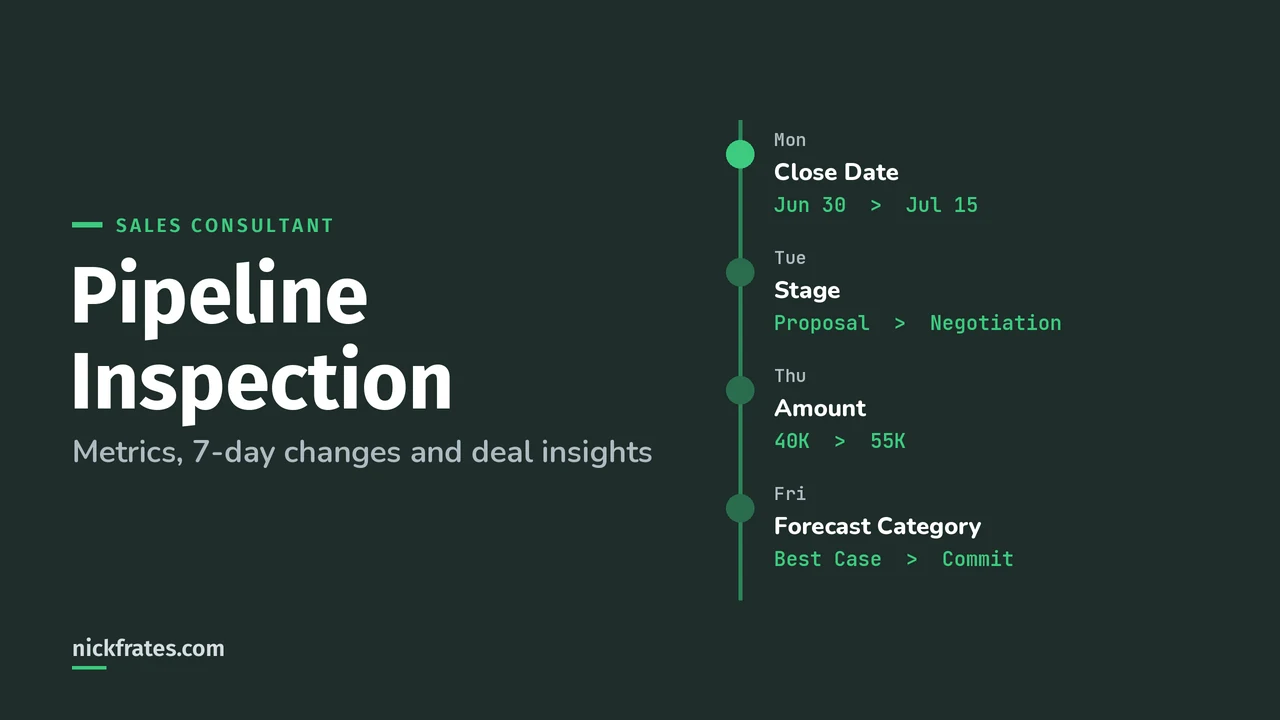
Pipeline Inspection is a single Lightning Experience view of a team's pipeline: metrics by forecast category or pipeline change, an opportunity list that highlights what changed in the last 7 days, and AI deal insights in a side panel. Forecasts tell a manager what the number is. Pipeline Inspection shows which deals moved it.
Forecasting and pipeline scenarios run through the Sales Lifecycle and Practical Application sections of the Agentforce Sales Consultant exam guide. Every fact below is from the Pipeline Inspection pages in Salesforce Help.
Who can use Salesforce Pipeline Inspection?
Pipeline Inspection is available only in Lightning Experience, in Enterprise, Performance and Unlimited Editions with Sales (Supported Editions). Revenue Intelligence, an extra-cost add-on, also includes it, and only Revenue Intelligence users get the flow chart.
Users get access through the Pipeline Inspection User permission set. Standard User and System Administrator profiles get access automatically (Give Users Access). Assigning someone both a Pipeline Inspection and a Revenue Intelligence permission set uses more than one license seat.
How do you turn on Pipeline Inspection?
- You need Customize Application or Modify All Data. From Setup, open Pipeline Inspection Setup and turn it on.
- Check historical trending for opportunities. Turning on Pipeline Inspection turns it on if it isn't already, and you can track up to 8 opportunity fields.
- Add the Pipeline Inspection button to the Opportunities list view.
- Assign the permission set, then choose metric groups, summary fields, the rollup method and the default list view.
Source: Turn On Pipeline Inspection and Considerations. If you summarize by a custom field, add that field to historical trending too.
What do Pipeline Inspection metrics show?
There are two metric groups (Pipeline Inspection Metrics and Fields). You can summarize by Amount or a custom currency or number field, but not formula fields.
| Group | Metrics | Answers the question |
|---|---|---|
| Forecast Category | Total, Closed Won, Commit, Best Case, Pipeline, Closed Lost (Most Likely optional) | How much is in each category? |
| Pipeline Changes | Open Pipeline, New, Won, Increased, Decreased, Moved In, Moved Out, Lost | What changed since a date? |
Omitted opportunities are left out of the forecast metrics. Pipeline Inspection has its own rollup setting, single category or cumulative (the default), and it's separate from the rollup setting for Salesforce Forecasting. That's why a manager can see different totals in the two places.
A bit about how I study. I loved Focus on Force when I was earning my first certifications, and I learned fastest from rapid-fire practice tests, not from rereading. So Cert Lab is built around fast testing, with every explanation linked to current Salesforce Help pages and screenshots. Certifications got me interviews, hires, raises and moves into new domains. Experience still matters most, so pair the cert with something real you can talk about.
Cert Lab by Nick Frates
Let the Agentforce Sales Consultant Cert Lab test you to success
Pipeline and forecasting scenarios written like the exam, with every option explained.
Start the Agentforce Sales Consultant Cert Lab for $9.99 →How does it flag deals that need attention?
From Manage Pipelines with Pipeline Inspection:
- Changes from the previous 7 days to amount, close date, forecast category and stage show in red and green text with arrows.
- Deals with no update to Next Steps in 7 days or more get a red clock icon.
- Reps can bookmark up to 200 important opportunities. Only they can see those bookmarks.
- Reps can edit fields inline, including Amount on opportunities without products.
Where do the AI insights come from?
The side panel's Insights tab shows Einstein Deal Insights (Einstein Deal Insights). Each source needs its own setup:
| Insight | Turn on |
|---|---|
| Opportunity score tiers and deal progression insights | Einstein Opportunity Scoring (scores show as tiers, not numbers) |
| Activity and email insights | Einstein Activity Capture, plus Einstein Email Insights for emails |
| Call insights | Einstein Conversation Insights |
| Service case insights | Cases on the opportunity's account, contacts or products in the last 30 days |
| Field update suggestions | Agentforce Pipeline Management |
Since Summer '25, Activity Metrics and Activity 360 Reporting data isn't available in Pipeline Inspection unless it was already set up.
What's the difference between the waterfall chart and the flow chart?
The waterfall chart shows Pipeline Changes: new, increased, decreased, won, lost and moved in or out. The flow chart shows deals moving between forecast categories and needs the Revenue Intelligence add-on. Both need historical trending (Help).
Who sees which deals in Pipeline Inspection?
Managers see deals for users in subordinate roles, where that user is the owner or on the opportunity team (Guidelines and Limits). To see any user's deals, you need View All Records on opportunities. If a search returns 2,000 or more records, metric totals aren't shown. Visibility follows the Salesforce security model, so sharing gaps show up here too.
Which Pipeline Inspection scenarios should you practice?
- A VP wants to see which deals slipped out of the quarter. Pipeline Changes metrics (Moved Out), with historical trending.
- A manager wants deals flagged when reps stop updating them. The Next Steps red clock.
- The flow chart is missing. Check the Revenue Intelligence license and permission set, and that Forecast Category metrics are on.
- Forecasts and Pipeline Inspection show different Commit totals. Check the two rollup settings.
Pair this with Collaborative Forecasting setup and the Agentforce Sales Consultant study guide.
Nick Frates, a senior Salesforce developer with 17 certifications, built the Agentforce Sales Consultant Cert Lab at nickfrates.com: rapid-fire practice tests with every answer explained, $9.99 for 12 months (Admin is free).
FAQ
Is Pipeline Inspection free?
It's included with Sales in Enterprise, Performance and Unlimited Editions. The flow chart needs the Revenue Intelligence add-on.
Can I use a formula field to summarize metrics?
No. Use Amount or a custom currency or number field.
Does Pipeline Inspection need forecasting turned on?
It uses forecast categories and historical trending. Help doesn't list Salesforce Forecasting as a requirement, and its rollup setting is separate.
Cert Lab by Nick Frates
Drill pipeline scenarios before exam day
The Agentforce Sales Consultant Cert Lab quizzes you on all five sections and explains why every answer is right or wrong.
Start the Agentforce Sales Consultant Cert Lab for $9.99 →Hope this helps!
Best,
Nick


