Hey friends,
The Salesforce Lightning Design System (SLDS) is Salesforce's design system: the guidelines, component blueprints, utility classes, icons and styling values that give Salesforce screens one consistent look and feel. It carries 21% of the Platform User Experience Designer exam (the Salesforce Lightning Design System section), so it's worth knowing well.
There are now two versions, which confuses a lot of people. I'll cover both, then the parts the exam cares about: the principles, blueprints, grid, icons and styling hooks.
What is the Lightning Design System?
The SLDS site organizes the system into getting started, design guidelines, accessibility, component blueprints, utilities, design tokens and icons. Its purpose is the same one a designer cares about everywhere: apply the same solution to the same problem, so people can predict how things work.
What's the difference between SLDS 1 and SLDS 2?
SLDS 2 was introduced in Spring '25, and the original is now called SLDS 1. You opt in to SLDS 2 by choosing the Salesforce Cosmos theme in your org. Salesforce's SLDS 1 vs SLDS 2 comparison lists the key differences for developers:
| SLDS 1 | SLDS 2 | |
|---|---|---|
| Default theme | Lightning Blue | Salesforce Cosmos |
| Component blueprints | Documented on the SLDS 1 site | Same blueprints as SLDS 1, not republished on the new site |
| Design tokens | Supported | Not supported |
| Global styling hooks | Provided | Provided, and global styling hooks work in both versions |
| Component styling hooks (--slds-c-*) | Documented in each blueprint | Not currently supported |
SLDS 2 separates structure from visual design using styling hooks, which are CSS custom properties. Because the exam guide still aligns with an older release, as I explained in the study guide, learn the SLDS 1 vocabulary first (tokens, blueprints, utilities), then learn how styling hooks replace tokens.
What are the four SLDS design principles?
| Principle | What it asks for |
|---|---|
| Clarity | Eliminate ambiguity so people can see, understand and act with confidence |
| Efficiency | Streamline workflows and anticipate needs |
| Consistency | Apply the same solution to the same problem |
| Beauty | Show respect for people's time and attention through thoughtful craftsmanship |
These sit next to the usability heuristics in my UX design principles post.
What are component blueprints?
Blueprints are the SLDS specifications for components such as buttons, cards and modals. They're framework-agnostic: they don't rely on the Lightning Components framework and don't include logic. The SLDS 2 site describes them as style-only HTML and CSS scaffolding, to use only when no suitable base component exists, because they need manual work to become interactive.
Base components, like lightning-button, implement the blueprints for you, so they're the first choice inside Salesforce. The blueprints matter when you're outside it, or need something base components don't offer.
If you learn best by testing yourself, the Platform User Experience Designer Cert Lab has quick practice questions on Lightning Design System and UX, with every option explained.
How does the SLDS grid work?
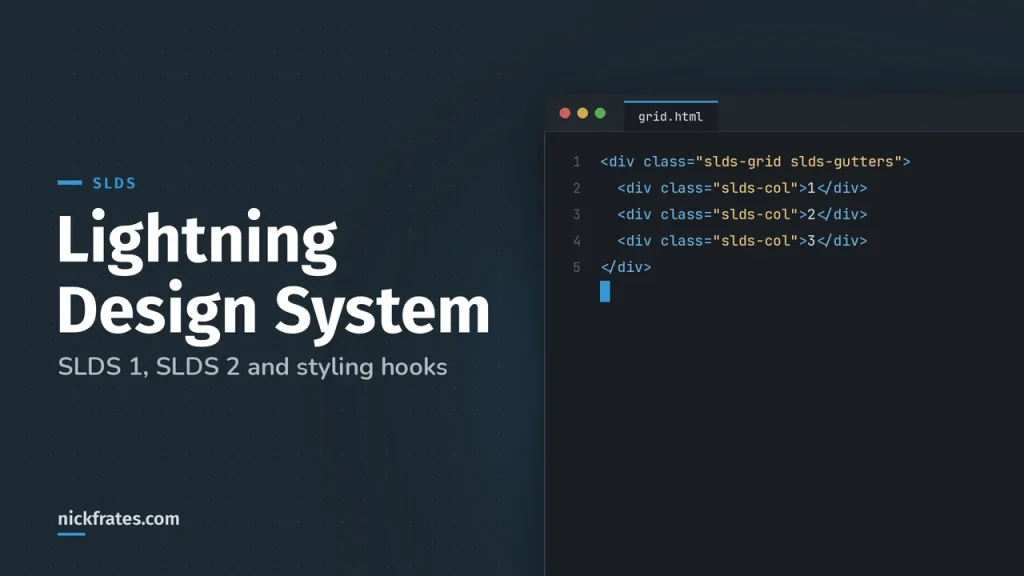
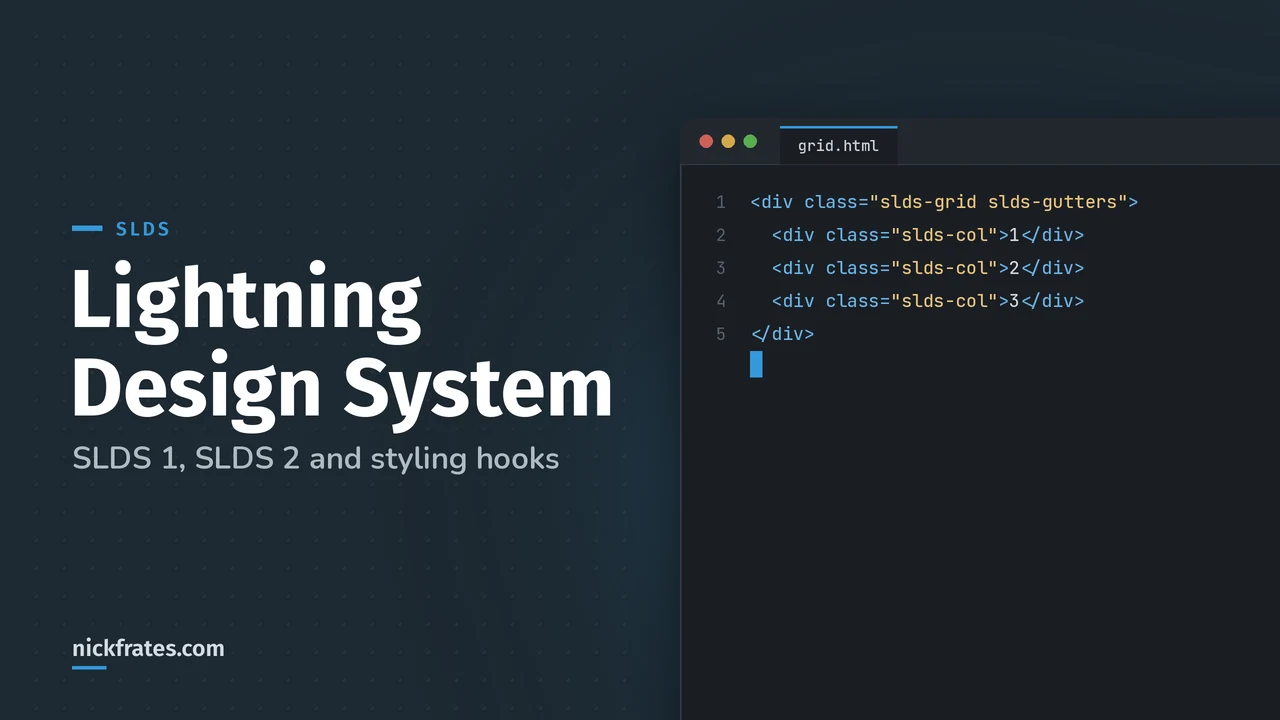
The grid utility is a flexible, mobile-first layout system. Add slds-grid to an element to make a grid container, then add as many slds-col elements inside as you want. Initially each column takes an equal share of the width, so three columns are 33.3% each, and sizing classes change that. You can have up to 12 columns.
The slds-gutters class gives the columns standard 16px gutters (by default, columns have none). The point for the exam is that layouts are built from reusable classes, not custom CSS.
What are the SLDS icon types?
| Type | What it's for |
|---|---|
| Utility | Simple, single-color glyphs that identify labels and actions across form factors |
| Doctype | Document file formats |
| Standard and custom | Salesforce entities and objects, such as Accounts, Leads and Cases |
| Action | Quick actions on touch-screen devices |
Pick the icon type by purpose, not by looks. A scenario that asks for a quick-action icon on mobile wants action icons.
What are design tokens and styling hooks?
Design tokens are named entities that store visual design attributes. They're used in place of hard-coded values such as hex colors or pixel spacing, to keep UI development scalable and consistent. They work in SLDS 1 but not SLDS 2 (SLDS 1 design tokens).
Styling hooks are the replacement. As Salesforce's styling hooks guide puts it, a styling hook is a placeholder in the SLDS stylesheet, backed by a CSS custom property. There are two kinds:
- Global styling hooks (prefix
--slds-g-) cover things like accessible system colors and work in both SLDS versions. - Component styling hooks (prefix
--slds-c-) customize one component and are currently SLDS 1 only.
To restyle a component, first check its design variations. For spacing and alignment, try utility classes. If those don't do it, use styling hooks. The brand button's background, for example, has a hook:
Salesforce says not to override SLDS classes, because SLDS classes and base component internals can change in future releases and the overrides can stop working. It also recommends that any color customizations meet WCAG 2.1 text and non-text contrast standards.
What mistakes do people make with SLDS?
- Mixing up SLDS 1 and SLDS 2 terms, such as expecting design tokens in a Cosmos org.
- Overriding
slds-*classes instead of using hooks. - Reaching for a blueprint when a base component exists.
- Using a standard icon where a utility or action icon is the right type.
- Changing brand colors without checking contrast.
How does SLDS show up on the exam?
Expect scenarios about picking the right SLDS resource for a job: a grid for layout, a blueprint for an external page, a hook for brand color, an icon type for a quick action. Reading the descriptions above and then drilling questions beats memorizing.
A bit about how I study. Focus on Force was my favorite resource on the way to 17 Salesforce certs. I started the traditional way, reading the study guide first and testing second, but rapid-fire practice tests are what actually made things stick. That's the loop Cert Lab is built on: quick questions, then explanations with current links, then go again.
FAQ
What is SLDS in Salesforce?
The Salesforce Lightning Design System, the guidelines, blueprints, utilities, icons and styling values that keep Salesforce UI consistent.
What is the difference between SLDS 1 and SLDS 2?
SLDS 2 arrived in Spring '25 with the Salesforce Cosmos theme. It uses styling hooks instead of design tokens and doesn't currently support component styling hooks.
What are the four SLDS principles?
Clarity, efficiency, consistency and beauty.
How many columns can an SLDS grid have?
Up to 12.
Should I override SLDS classes?
No. Use styling hooks, because SLDS classes and base component internals can change in future releases.
Where should you go next?
- The Platform UX Designer study guide.
- UX design principles for the heuristics and accessibility.
- Platform UX Designer practice questions.
Nick Frates, a senior Salesforce developer with 17 certifications, built the Platform User Experience Designer Cert Lab at nickfrates.com: rapid-fire practice questions for every exam section, each answer explained.
Cert Lab by Nick Frates
Let the Platform User Experience Designer Cert Lab test you to success
Lessons, flashcards, a quiz for each of the six exam sections and full practice exams, every answer explained.
Start the Platform User Experience Designer Cert Lab for $9.99 →Not ready to buy? Try a free lesson and see how fast you learn.
Hope this helps!
Best,
Nick