Hey friends,
An async function always returns a promise, and inside it await pauses that function until a promise settles, then gives you the fulfilled value or throws the rejection. That's the whole model, straight from MDN's async function reference. It's promises underneath, written so the code reads top to bottom.
This is core material for the Asynchronous Programming section of the Salesforce JavaScript Developer exam (13%), and it's how you'll call Apex imperatively from a Lightning web component. If promises are still fuzzy, start with my JavaScript promises guide.
What does an async function return?
A promise, every time. If you return a plain value, it's wrapped in a fulfilled promise. If you throw, the promise rejects.
So you can't get a value out of an async function synchronously. The caller either awaits it or uses then.
How does await work?
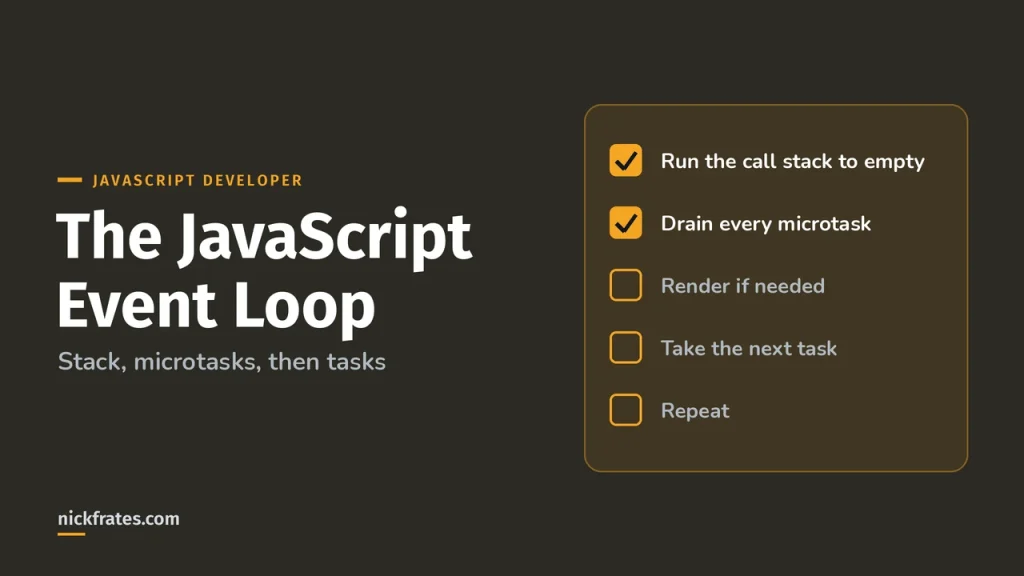
await works inside async functions and at the top level of modules (MDN await). When it hits a pending promise, the function pauses and the caller keeps running. When the promise settles, the rest of the function resumes as a microtask.
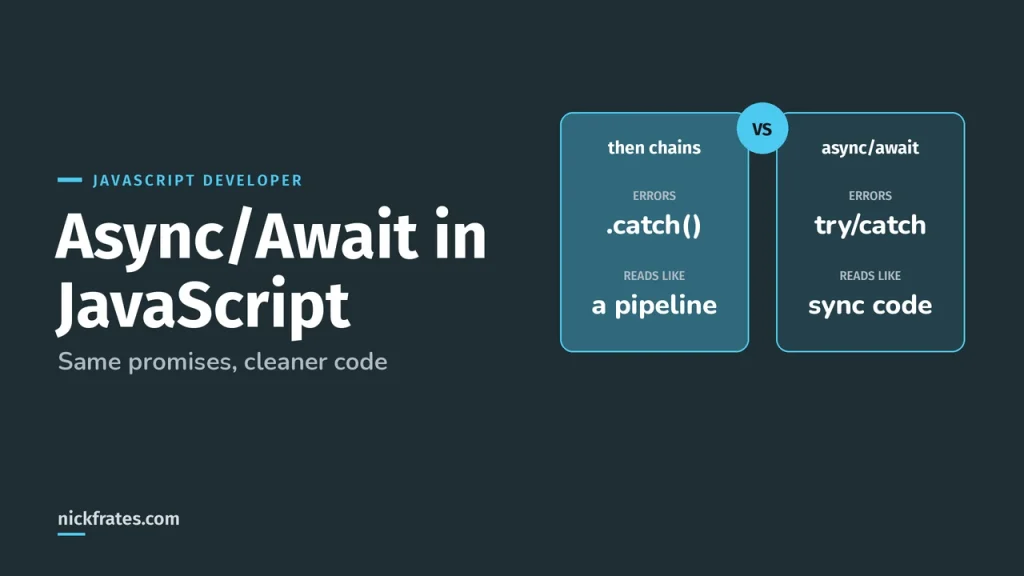
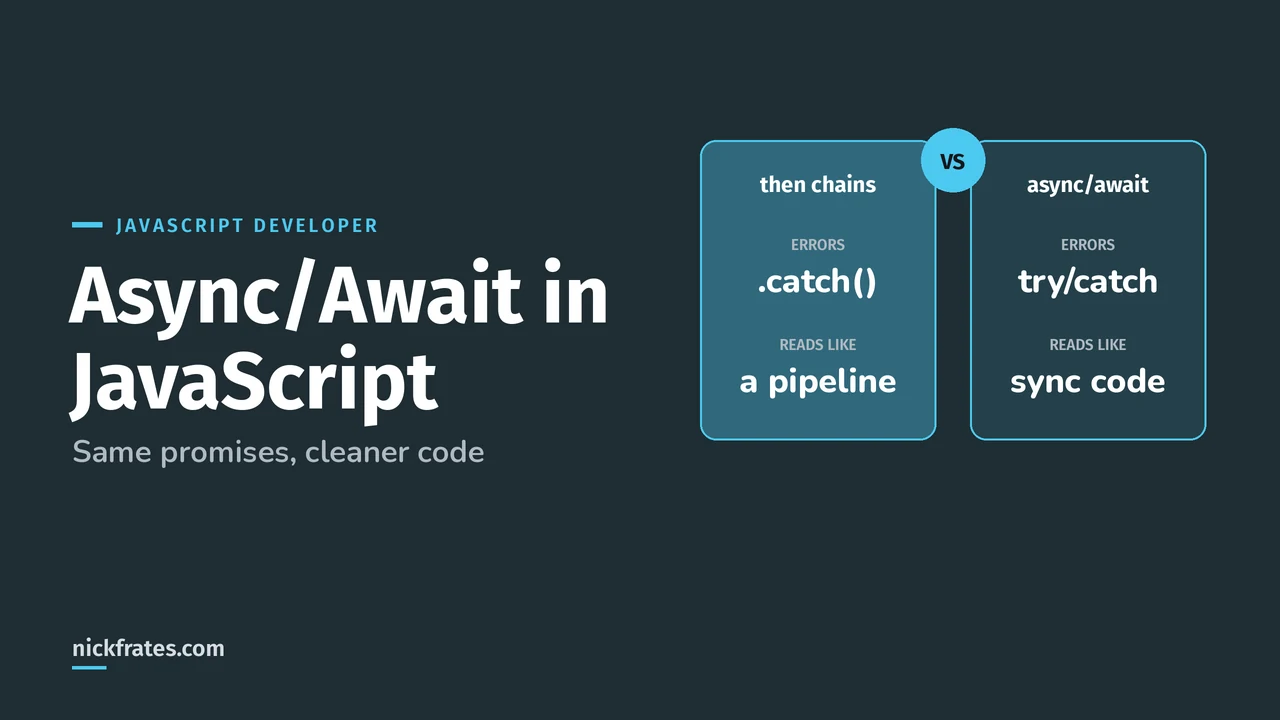
Compare that to the same logic as a then chain. Same behavior, fewer callbacks.
How do you handle errors with async/await?
Wrap the awaits in try/catch. A rejected promise makes await throw, so a normal catch block gets it.
If you don't catch inside, the promise the async function returns rejects, and the caller has to handle it.
Cert Lab by Nick Frates
Let the JavaScript Developer Cert Lab test you to success
Async/await, promises and event loop scenarios, plus the other six exam sections, with an explanation for every option.
Start the JavaScript Developer Cert Lab for $9.99 →Not ready to buy? Try a free lesson and see how fast you learn.
How do you run async calls in parallel?
Awaiting one call after another runs them in sequence. When the calls don't depend on each other, start them all and await them together with Promise.all:
Promise.all rejects as soon as any input rejects. If you want every result no matter what, use allSettled. My Promise.all guide compares all four combinators.
Can you use await in a loop?
Yes, in a for...of loop, and each iteration waits for the previous one. forEach doesn't wait: it calls an async callback for every item and ignores the returned promises, so code after the forEach runs before they finish.
How do you use async/await in a Lightning web component?
Imperative Apex calls return promises, so an async handler reads cleanly. This assumes an Apex method getContacts marked @AuraEnabled:
More on components in Lightning web components basics.
What async/await mistakes should you avoid?
- Forgetting await. You get a pending Promise object instead of the value, and errors slip past your try/catch.
- Awaiting independent calls one by one. Use Promise.all.
- Using forEach with an async callback and expecting it to wait.
- Returning without awaiting inside try.
return promiseinside try won't catch its rejection there;return await promisewill. - Marking a function async that never awaits. It still returns a promise, which can surprise callers.
I'll be honest about how I learned this stuff. I loved Focus on Force and used it through 17 Salesforce certifications. Reading the study guide first was slow for me; taking practice tests rapid-fire and studying every wrong answer was fast. So when I built Cert Lab, I built it around that: test yourself quickly, see why each option is right or wrong.
FAQ
What does async do in JavaScript?
It makes a function return a promise and lets you use await inside it.
Can I use await without async?
Only at the top level of an ES module. Everywhere else, await must be inside an async function.
Is async/await better than promises?
It is promises, with nicer syntax. Use await for step-by-step logic and Promise.all for parallel work. Many codebases mix both.
How do I get the value from an async function?
Await it inside another async function, or call then on the promise it returns.
Where should you go next?
- The JavaScript event loop for when code after await actually runs.
- JavaScript Developer study guide for every exam section.
- JavaScript Developer practice questions to test yourself.
Nick Frates, a senior Salesforce developer with 17 certifications, built the JavaScript Developer Cert Lab at nickfrates.com: rapid-fire practice questions for every exam section, each answer explained.
Cert Lab by Nick Frates
Let the JavaScript Developer Cert Lab test you to success
Lessons, flashcards, a quiz for each of the seven exam sections and full practice exams, every answer explained.
Start the JavaScript Developer Cert Lab for $9.99 →Not ready to buy? Try a free lesson and see how fast you learn.
Hope this helps!
Best,
Nick