Hey friends,
A validation rule blocks a save when its formula returns TRUE, so you write the formula to describe the bad data, not the good data. Below are 15 examples you can copy, a few straight from Trailhead and the rest the kind I've built in real orgs, each with a one-line explanation. If formula syntax is new to you, start with my Salesforce formula examples.
Validation rules sit in the Admin exam's Data and Analytics section, which also asks you to compare them with duplicate and matching rules. The basics here come from Trailhead's Validation Rules unit.
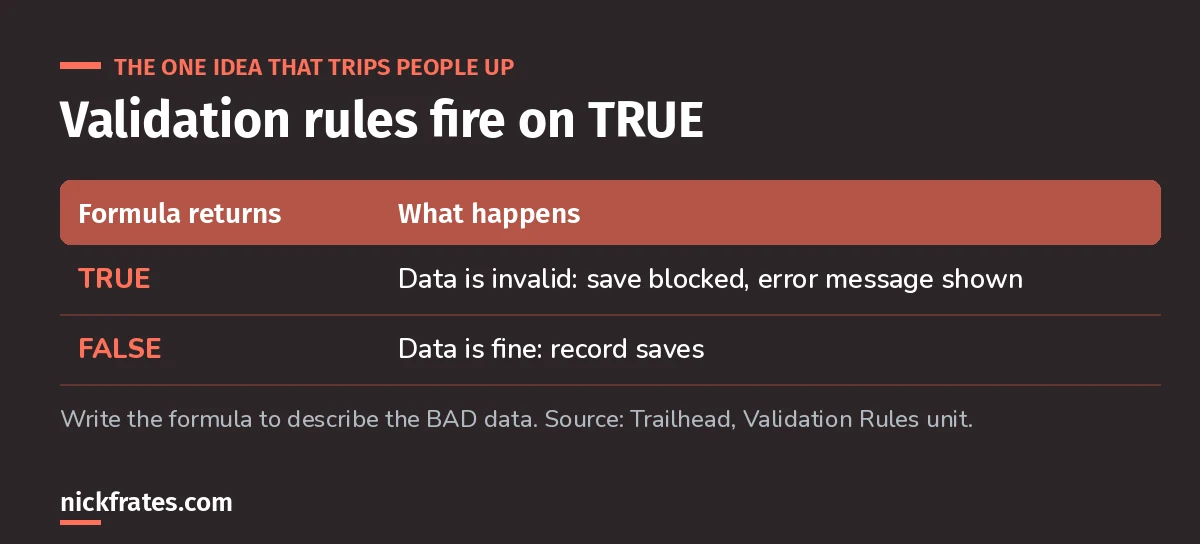
If you remember one thing, remember this.
15 validation rule examples
Replace the custom field names (ending in __c) with your own. Test every rule in a sandbox first.
1. Account number must be numeric if entered
AND( NOT(ISBLANK(AccountNumber)), NOT(ISNUMBER(AccountNumber)) )From Trailhead. Blank is allowed; anything typed must be a number.
2. Date must be in the current year
YEAR( My_Date__c ) <> YEAR( TODAY() )From Trailhead. Swap in your own date field. For more date functions, see my Salesforce date formulas.
3. Salary range no wider than $20,000
(Salary_Max__c - Salary_Min__c) > 20000From Trailhead's salary range example.
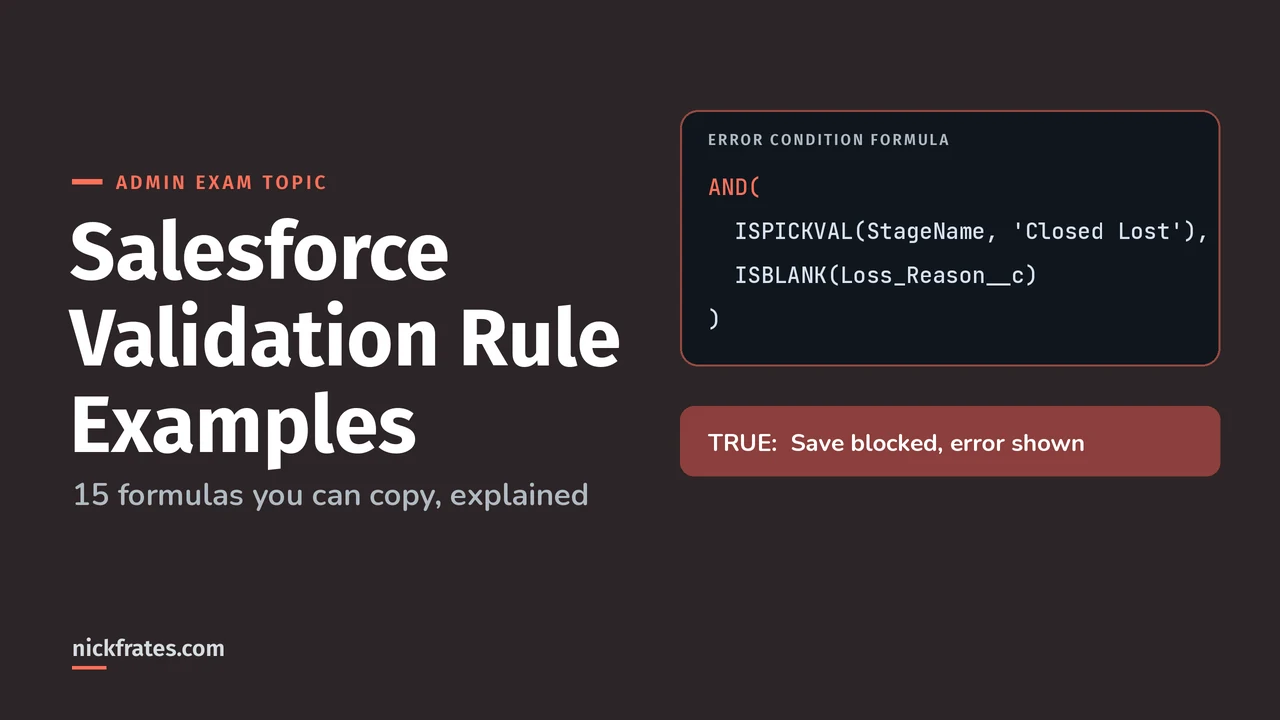
4. Closed Lost needs a loss reason
AND( ISPICKVAL(StageName, 'Closed Lost'), ISBLANK(Loss_Reason__c) )Use ISPICKVAL for picklists; you can't compare them with = directly.
5. Close date can't be in the past on open deals
AND( NOT(IsClosed), CloseDate < TODAY() )Stops stale pipeline.
6. Discount over 20% needs a reason
AND( Discount__c > 0.2, ISBLANK(Discount_Reason__c) )Percent fields are stored as decimals, so 20% is 0.2.
7. Phone must have 10 digits (US)
AND( NOT(ISBLANK(Phone)), LEN( SUBSTITUTE(SUBSTITUTE(SUBSTITUTE(SUBSTITUTE(Phone, '(', ''), ')', ''), '-', ''), ' ', '') ) <> 10 )Strips common formatting before counting.
8. Website must end in .com, .org or .net
AND( RIGHT(Web_Site__c, 4) <> '.com', RIGHT(Web_Site__c, 4) <> '.org', RIGHT(Web_Site__c, 4) <> '.net' )Simplified from Trailhead's example, which also checks uppercase.
Cert Lab by Nick Frates
Practice validation rule questions free
The Admin Cert Lab's Data and Analytics lessons cover validation, duplicate and matching rules, with practice questions that explain every option.
Start the free Admin Cert Lab →9. End date after start date
End_Date__c < Start_Date__cThe simplest useful rule there is.
10. Can't change Amount once Closed Won
AND( ISCHANGED(Amount), ISPICKVAL(PRIORVALUE(StageName), 'Closed Won') )ISCHANGED and PRIORVALUE only work on edits.
11. Stage can't go backward from Closed Won
AND( ISCHANGED(StageName), ISPICKVAL(PRIORVALUE(StageName), 'Closed Won') )Locks the stage after the deal closes.
12. Billing country must be two letters
AND( NOT(ISBLANK(BillingCountry)), LEN(BillingCountry) <> 2 )Trailhead has a fuller version that checks real ISO codes.
13. Email required for Web leads
AND( ISPICKVAL(LeadSource, 'Web'), ISBLANK(Email) )Conditional requirement without a page layout change.
14. Only managers can approve
AND( ISCHANGED(Approved__c), Approved__c, $Profile.Name <> 'Sales Manager' )$Profile and $User let rules depend on who's saving. Better: check a custom permission.
15. Contact zip must match account zip
AND( NOT(ISBLANK(AccountId)), MailingPostalCode <> Account.ShippingPostalCode )This is Trailhead's hands-on challenge. Contacts without an account are allowed.
Validation rule vs duplicate rule vs Flow
- Validation rule: this record's field values are wrong. Block the save.
- Duplicate and matching rules: this record already exists. Warn or block.
- Flow: fix or derive the value automatically instead of blocking the user. And you can bypass validation rules in Flow when automation needs to.
Tips
- Write the error message as an instruction: what to change, not just what's wrong. Put it next to the field when one field is the problem.
- Big data loads hit validation rules too. Plan for it, as in my Data Import Wizard vs Data Loader post.
- Lost track of what rules exist? Find validation rules with SOQL.
Practice questions
1. A rule should require Email only when Lead Source is Web. Which formula is right?
- A.
ISPICKVAL(LeadSource, 'Web') || ISBLANK(Email) - B.
AND(ISPICKVAL(LeadSource, 'Web'), ISBLANK(Email)) - C.
AND(LeadSource = 'Web', NOT(ISBLANK(Email)))
Answer: B. A blocks every blank email. C compares a picklist with = and blocks the good data. For when validation rules run relative to triggers and flows, see the Salesforce order of execution.
2. Users must not change Amount after a deal is Closed Won, but new deals must save normally. Which functions do you need?
Answer: ISCHANGED and PRIORVALUE, as in example 10.
Keep studying
- Lookup vs master-detail.
- My 6-week Admin study plan.
- Two formula tricks I use all the time.
- Validation rule patterns, the reusable shapes behind these examples.
- App Builder practice questions, where validation rules show up again.
Hope this helps!
Best,
Nick