Hey friends,
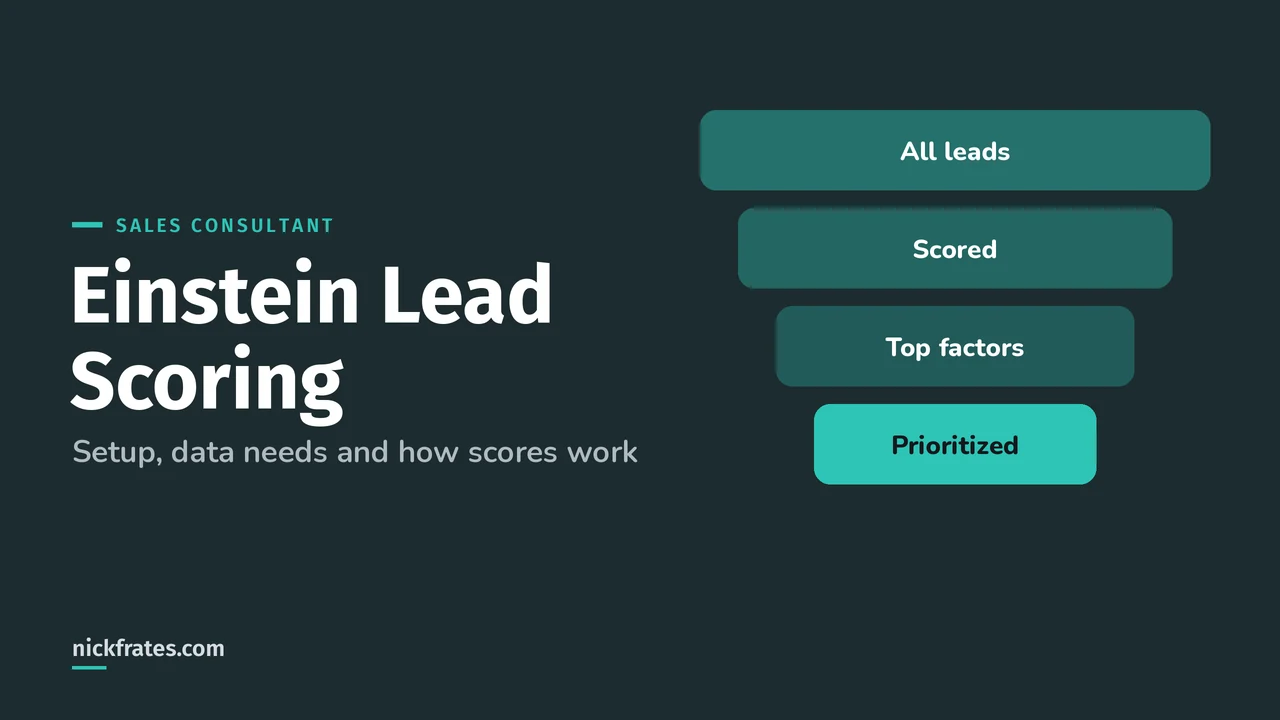
Einstein Lead Scoring uses machine learning to score each lead by how much it has in common with leads that converted in the past, so reps can work the best leads first. It adds a Lead Score field, shows the fields that pushed each score up or down, and refreshes its model about every 10 days.
It shows up in the Predictive and Generative AI section of the Agentforce Sales Consultant exam guide (13%), and lead scenarios run through Sales Lifecycle too. Everything below comes from the Einstein Lead Scoring pages in Salesforce Help.
How does Einstein Lead Scoring work?
Einstein looks at your past converted leads, including custom fields and activity data, finds your conversion patterns, and builds one or more scoring models (Understand How Einstein Scores Your Leads). Leads with higher scores look more like leads that converted.
- Global model first. If you score all leads together and don't have enough data yet, Einstein uses a global model built from anonymous data from many Salesforce customers. Once you have enough data, it builds your own model and uses whichever performs better.
- Refresh rhythm. Models refresh every 10 days, or whenever an admin changes the setup. Scores update at least every six hours as needed.
- Smart grouping. Einstein maps job titles to a Job Rank and Department, so a CEO lands in the C-level rank even if titles vary.
- Top factors. The Einstein Score component on the lead page shows the fields with the biggest positive and negative effect. Fields not listed still count, just less.
How much data does Einstein Lead Scoring need?
From Considerations for Setting Up Einstein Lead Scoring:
| Requirement | Minimum |
|---|---|
| Leads created in the last 200 days | 1,000 |
| Of those, converted to an account and contact | 120 |
| Optional: leads from the last 180 days converted with an opportunity | 120 |
These minimums apply to each segment you create, including the All Leads (Default) segment. That's a classic exam trap: splitting leads into five segments can leave each one too small to train.
It's available with Sales Cloud Einstein. The main Help page lists it as included in Performance and Unlimited Editions and as an extra cost in Enterprise Edition.
Here's why I care about this. Certs have opened real doors for me: interviews, a new job, raises and the chance to work in new parts of Salesforce. I studied with Focus on Force early on and learned fastest from rapid-fire practice tests, so that's what I built Cert Lab around, with current links and screenshots. One honest caveat: hiring managers still want experience. Use the cert to get in the room, and bring stories of what you've done.
Cert Lab by Nick Frates
Let the Agentforce Sales Consultant Cert Lab test you to success
Practice questions on Einstein features, lead processes and the rest of the exam, each one explained with a link to the Help page behind it.
Start the Agentforce Sales Consultant Cert Lab for $9.99 →How do you set up Einstein Lead Scoring?
You need Customize Application, Modify All Data and View All Profiles (Enable Einstein Lead Scoring). Then:
- From Setup, search Einstein Lead Scoring and turn it on.
- Pick default or custom settings. Default looks for leads converted to accounts and contacts, scores all leads together and uses all lead fields.
- With custom settings, choose the conversion milestone: converted to accounts and contacts, or opportunity created at conversion.
- Choose segments or score all leads together.
- Choose the included fields. Leave out fields that don't affect conversion, like a reason-not-converted field.
- Click Score Leads. It can take around 24 hours before scores show.
After that, make sure the Einstein Lead Scoring component is on your lead Lightning pages and add the Lead Score field to public list views.
When should you use lead segments?
When groups of leads convert differently. Help's example is domestic versus international leads split by Country. The rules:
- Up to 35 segments, each with a name up to 80 characters.
- Up to 100 field filters. Some field types can't be used, such as Date, Multipicklist, Text Area and most Reference fields (RecordTypeId is supported).
- If a lead fits several segments, it's scored in the highest priority one. Leads that fit no segment are ignored.
- With segments, new lead fields aren't added automatically. You add them to each segment yourself.
Why does a lead have no score?
Help lists these reasons (Help):
- Lead Scoring was just turned on (around 24 hours to first scores), or the lead was added a few hours ago
- The lead had no activity or updates in the last 90 days, or wasn't modified in the 6 months before Lead Scoring was turned on
- The lead fits no segment, or its segment doesn't have enough data
- The lead's Status is unqualified or similar
And for reps to see the component at all, they need read access to the Company, Phone and Email fields on leads. If a top factor is based on a field a rep can't see, they get an error instead of the factor.
What reporting comes with Einstein Lead Scoring?
A dashboard with three views: Average Lead Score by Lead Source, Conversion Rate by Lead Score, and Lead Score Distribution for converted and lost opportunities. It's a good way to show a sales leader that high scores really do convert better. For more on turning KPIs into reports, see my post on Salesforce reports and dashboards.
Which Einstein Lead Scoring scenarios should you practice?
- A company wants scores on day one but has 300 leads. Einstein can use the global model if leads are scored together, not in segments.
- Reps say some scores never change. Check whether those leads were converted or haven't been modified in 6 months.
- A team converts leads straight into opportunities. Use the opportunity created conversion milestone.
- An admin deletes a lead field that a model still uses and gets an error. Deselect it from all segments first, wait for scores to update, then delete it.
Lead scoring is one of many AI features on the exam. My Einstein for Sales post lists them all, and the Agentforce Sales Consultant study guide covers every section.
Nick Frates, a senior Salesforce developer with 17 certifications, built the Agentforce Sales Consultant Cert Lab at nickfrates.com: rapid-fire practice tests with every answer explained, $9.99 for 12 months (Admin is free).
FAQ
How often does Einstein Lead Scoring update?
The model refreshes every 10 days or when you change the setup. Individual scores update at least every six hours as needed.
Can I score leads without much history?
Yes, if you score all leads together. Einstein uses a global model until your own data is enough.
Does Lead Scoring use encrypted fields?
No. Encrypted lead fields aren't used in the analysis.
Cert Lab by Nick Frates
Test yourself on the AI section
The Agentforce Sales Consultant Cert Lab drills Predictive and Generative AI along with the other four sections, with every answer explained.
Start the Agentforce Sales Consultant Cert Lab for $9.99 →Hope this helps!
Best,
Nick


