Hey friends,
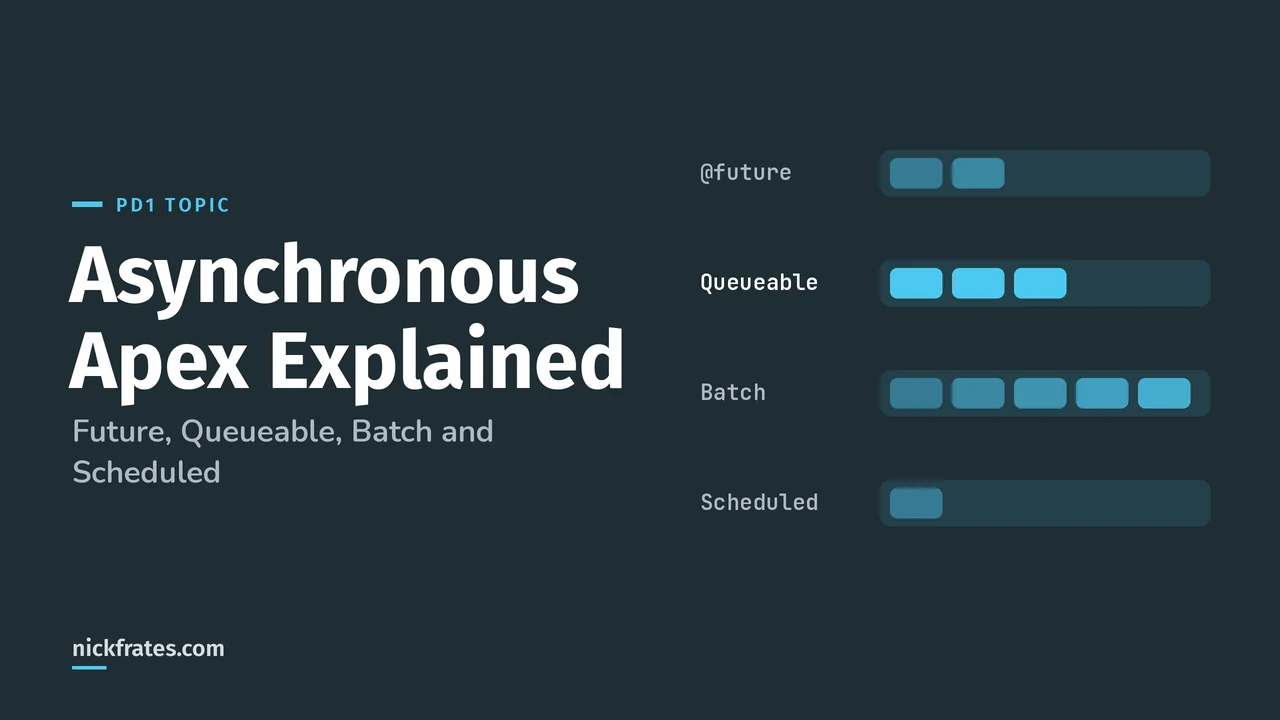
Asynchronous Apex runs work in the background, in its own thread, with higher governor limits. Use Queueable for most background jobs, Batch Apex for very large record sets, Scheduled Apex to run at a set time, and future methods only for simple cases. That's the decision PD1 tests.
Trailhead's Asynchronous Apex module lists the three reasons to go async: users don't wait, the platform scales better, and you get higher limits. For example, the SOQL query limit doubles from 100 to 200 in asynchronous Apex, and those limits are separate from the synchronous request that queued the job.
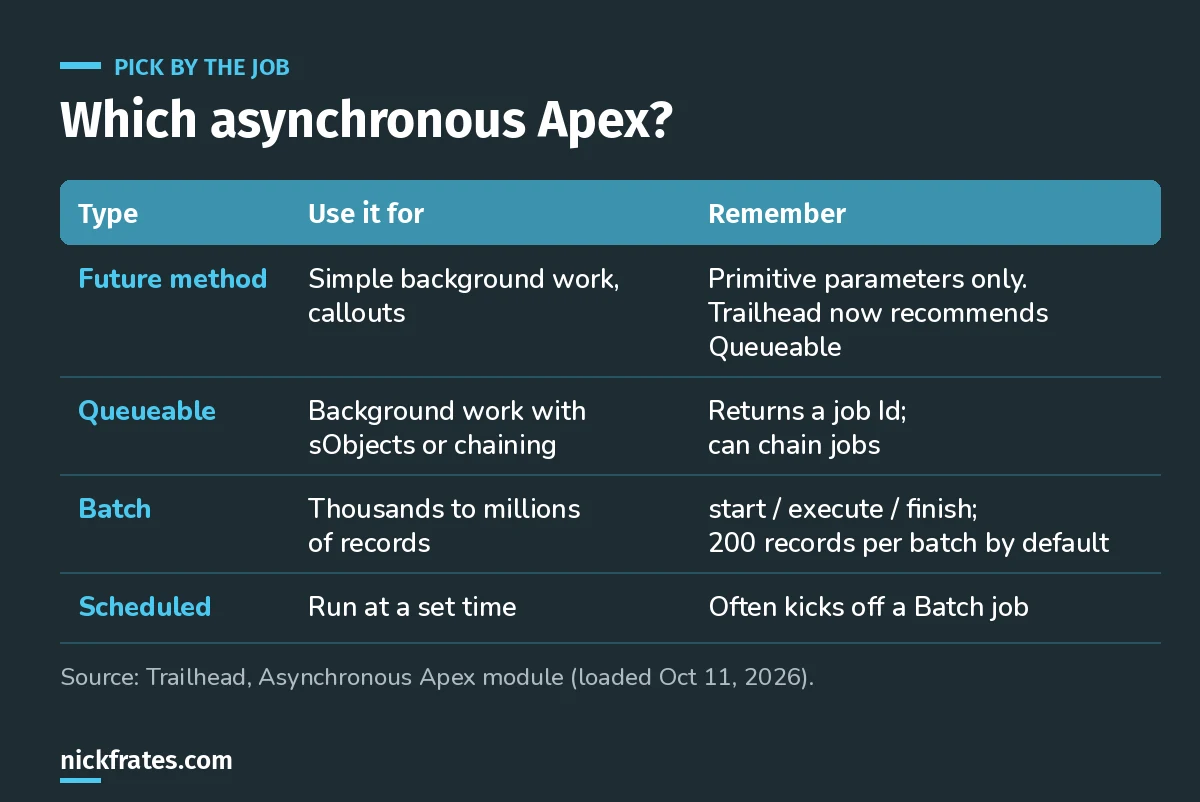
Four tools, four jobs.
Future methods
A future method runs in its own thread when resources are available. The catch: parameters must be primitive types or collections of primitives, so you can't pass sObjects. Trailhead now recommends Queueable instead, with one exception: future methods are easy to use when the same logic sometimes runs synchronously and sometimes asynchronously.
Queueable Apex
Per Trailhead's Queueable unit, Queueable does what future methods do, plus three things:
- Non-primitive member variables, like a list of sObjects, so you can pass records in.
- A job Id from
System.enqueueJob, so you can monitor it on the Apex Jobs page or queryAsyncApexJob. - Chaining: start the next job from a running job for sequential processing.
It's also the tool for callouts from triggers, as I covered in Apex trigger best practices.
Batch Apex
For thousands or millions of records. From Trailhead's Batch Apex unit:
startruns once and returns the scope, usually aDatabase.QueryLocator, which can query up to 50 million records.executeruns once per batch, 200 records by default. Each batch is its own transaction with a fresh set of governor limits.finishruns once at the end, for things like a summary email.- If one batch fails, the others aren't rolled back. Batches aren't guaranteed to run in order.
- Batch is stateless unless you add
Database.Stateful, which keeps instance variables between batches, handy for counting.
The second parameter sets the batch size. Trailhead's tip: lower it if you're hitting governor limits. For the limits themselves, see my Salesforce governor limits cheat sheet.
Cert Lab by Nick Frates
Practice async Apex questions
The Platform Developer Cert Lab covers async Apex, governor limits, debugging and testing with practice questions that explain every option.
Start the PD1 Cert Lab, $9.99 →Scheduled Apex
Runs at a set time. A common pattern from Trailhead is a scheduled job that starts a batch job, like a nightly cleanup.
Testing async code
Put the enqueue or executeBatch call between Test.startTest() and Test.stopTest(). Trailhead explains that async work started in a test runs synchronously after Test.stopTest(), so you can assert the results right after. More on tests in my Apex test class guide.
Exam-style scenarios
- A trigger must call an external API. Queueable with
Database.AllowsCallouts; a trigger can't wait on a callout. - Recalculate a field on 2 million records every night. Batch Apex, started by Scheduled Apex.
- Process a list of Accounts in the background and then start a second step. Queueable with chaining.
- Count how many records a batch job updated across all batches.
Database.Stateful.
Keep studying
- How to pass PD1 on your first try.
- My 8-week PD1 study plan: async is in week 5.
- PD2 study guide, which goes deeper on async.
Cert Lab by Nick Frates
Get the Platform Developer Cert Lab
Lessons, practice questions and flashcards for every PD1 exam section.
Start the PD1 Cert Lab, $9.99 →Hope this helps!
Best,
Nick