Three Tools to Simplify Your Salesforce Work

Happy Saturday, everyone!

We have a quick email for you today about three extremely useful browser extensions that will make your Salesforce life easier:

Number One: Salesforce Inspector Reloaded

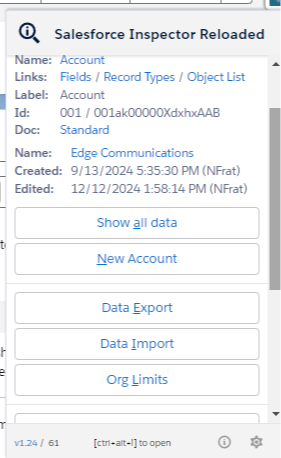
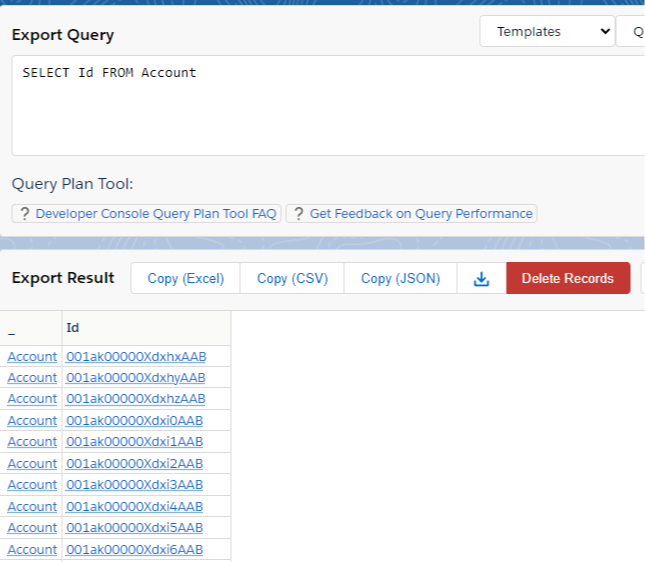
We’ve talked about this one before, but just as a recap, this extension is extremely useful for writing SOQL queries easily.

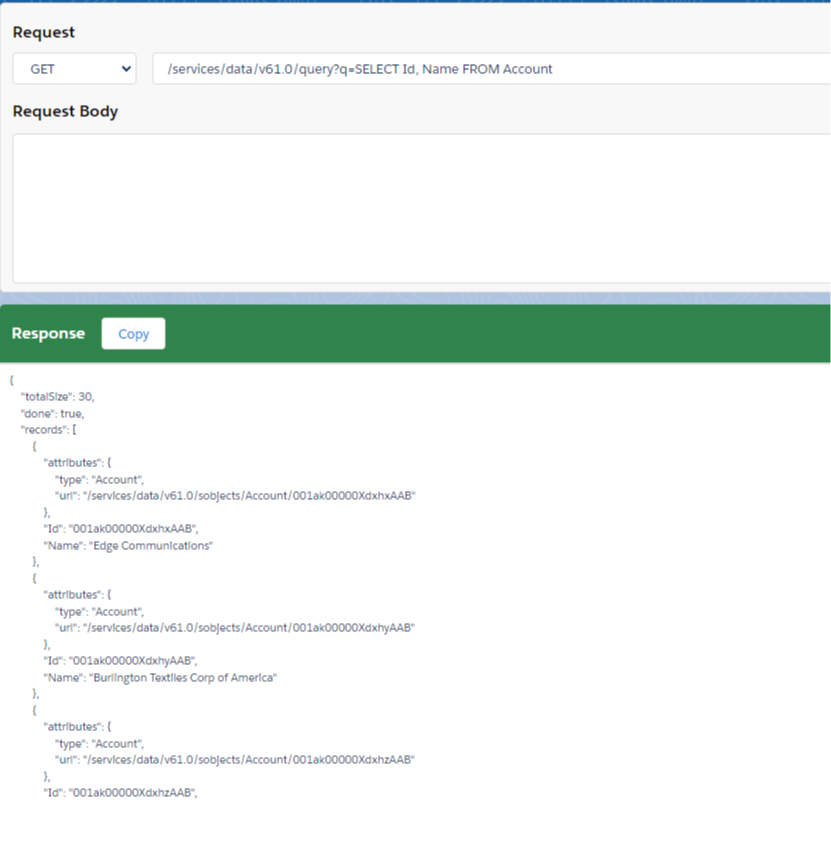
It also includes a way to see and edit all field values for any record you're viewing (even when the field isn't on the layout), a REST API explorer, and functionality for data imports too. 

There's plenty of other functionality, but those the ones I use most.


Number Two: Why Salesforce

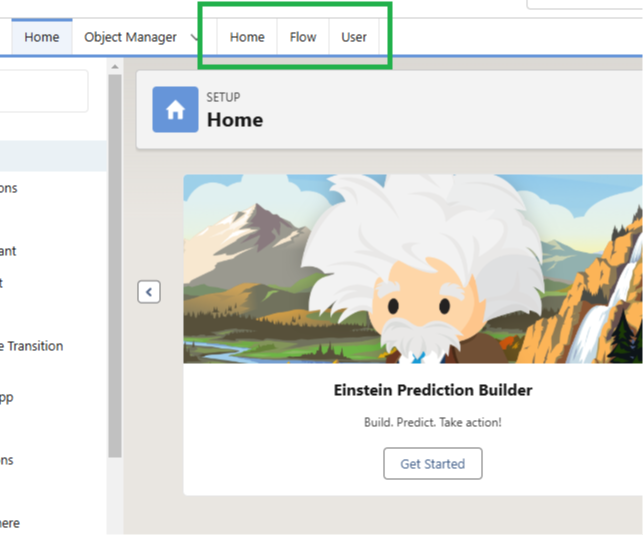
This is an extension I recently started using. It comes from the Salesforce Developer Community, specifically from Warren Walters (who you should check out on LinkedIn). Warren built this extension himself, and it adds three tabs to the setup menu of Salesforce.

One tab takes you to the home page, another takes you directly to Salesforce Flows, and the third takes you to the Users page.

Only after installing it did I realize how much of my life has been spent typing the word "Flows" into the quick find menu, and how this extension gives me all that time back!


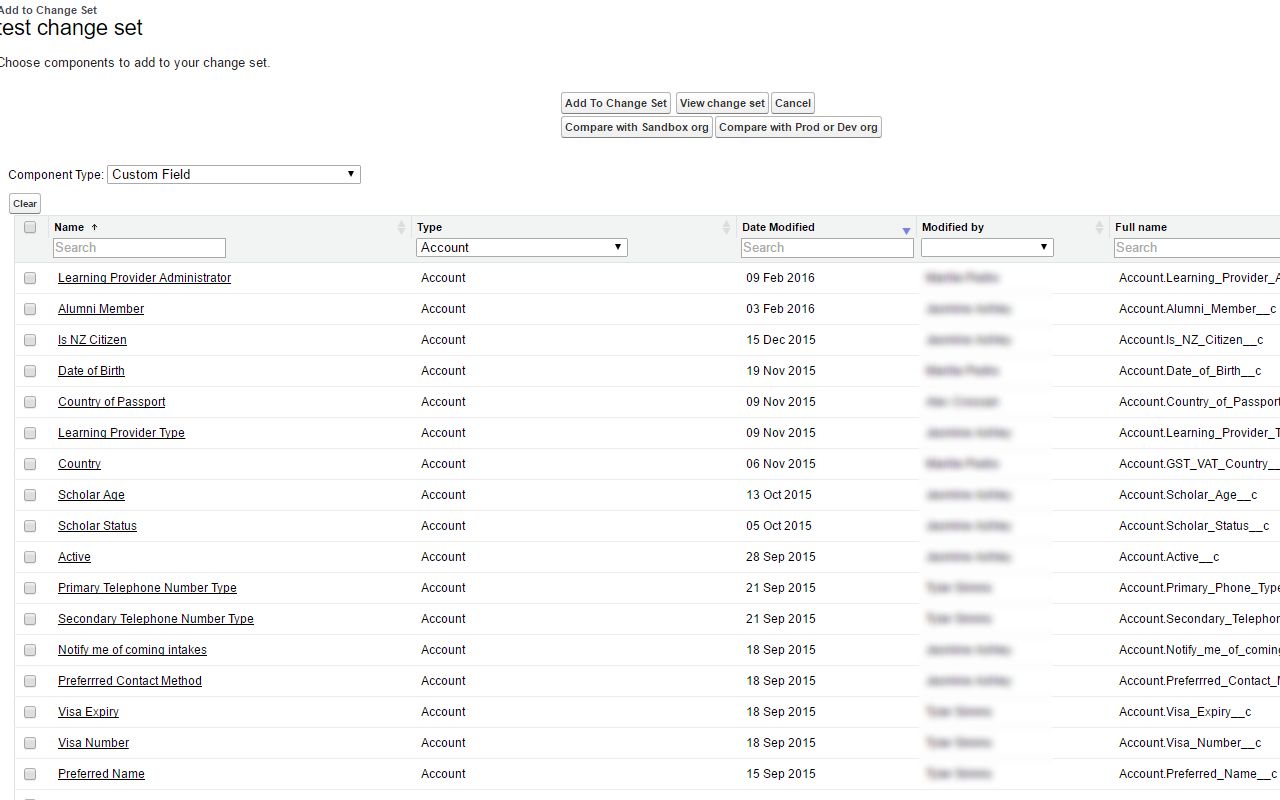
Number Three: Salesforce Change Set Helper

This final extension is one that I used years ago. When I changed computers, I forgot to reinstall it, but I just did again this week, and it’s proven enormously helpful.

The standard Salesforce Change Set functionality is stuck in 2005, and this extension greatly improves it. It makes all the columns searchable, so when you’re adding elements to a change set, you don’t have to scroll endlessly, expand the row count, or toggle between alphabetized items.

It also sorts them by recently modified date, and these two features alone would have saved me hours this year.

Furthermore, while I haven’t used it yet, the extension offers an org compare feature where you can check if certain metadata is available in one environment and not another. Super useful.


And that's a wrap! You should definitely add all of these to your Salesforce workflow and save yourself some time in the future.


Best,

Nick