|
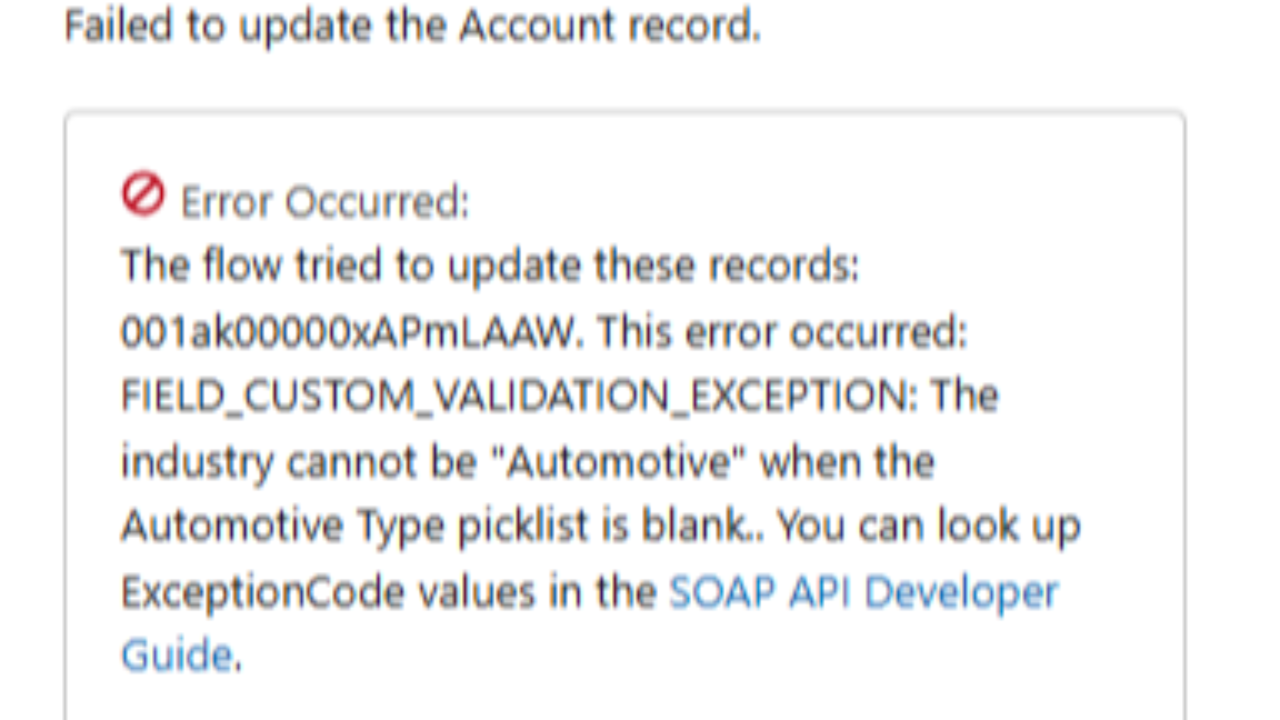
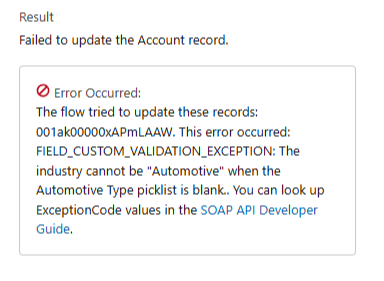
This error occurred: FIELD_CUSTOM_VALIDATION_EXCEPTION ... The industry cannot be "Automotive" when the "Automotive Type" picklist is blank.
We've all seen this type of error and usually its not too hard to debug.
But sometimes, and this happens as a consultant, you weren't the one who originally built the validation rule that is causing the error.
And sometimes you're not even sure which object it's configured on.
That's okay if you can reconfigure your flow to stop triggering the error.
But what if you want to change the rule itself?
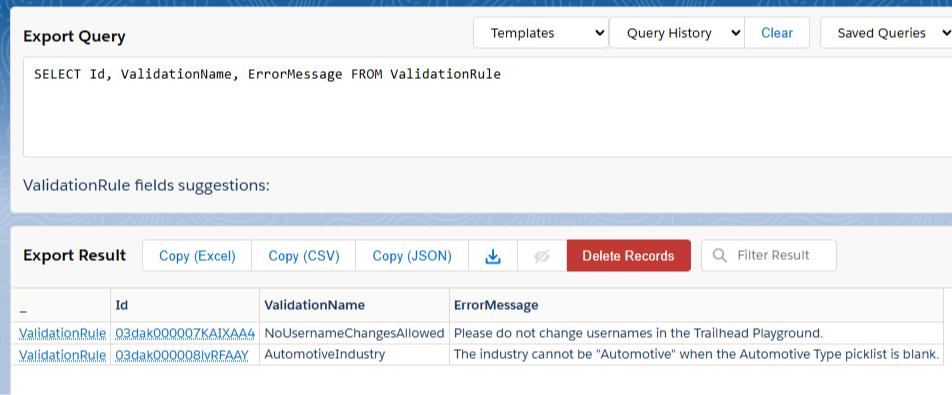
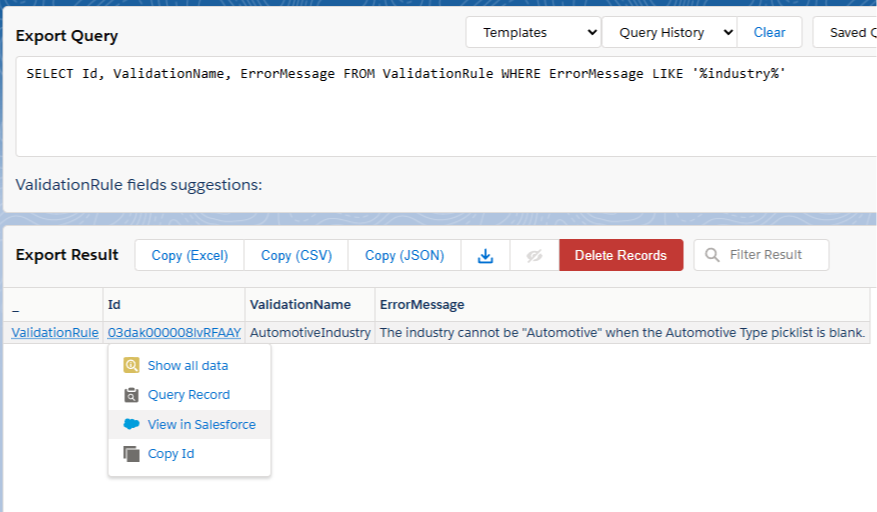
In that scenario, it's great to be able to find the validation rule based on the message alone.
This is how you do it:
Step 1: Open your SOQL Query editor of choice. I prefer the Salesforce Lightning Inspector Reloaded and would recommend you use it if you aren't currently.
Step 2: With the query editor open, make you toggle ON the Tooling API. This is the key step to get this query to work. Without the Tooling API enabled, you'll get an error.
|